Alpaca Engineering's Free PancakeSlicer Targets Easier Non-Planar 3D Printing
Alpaca Engineering's PancakeSlicer is a free, self-hostable tool that aims to make non-planar curved 3D printing easier to access, with web-based printer management and multi-user job support.
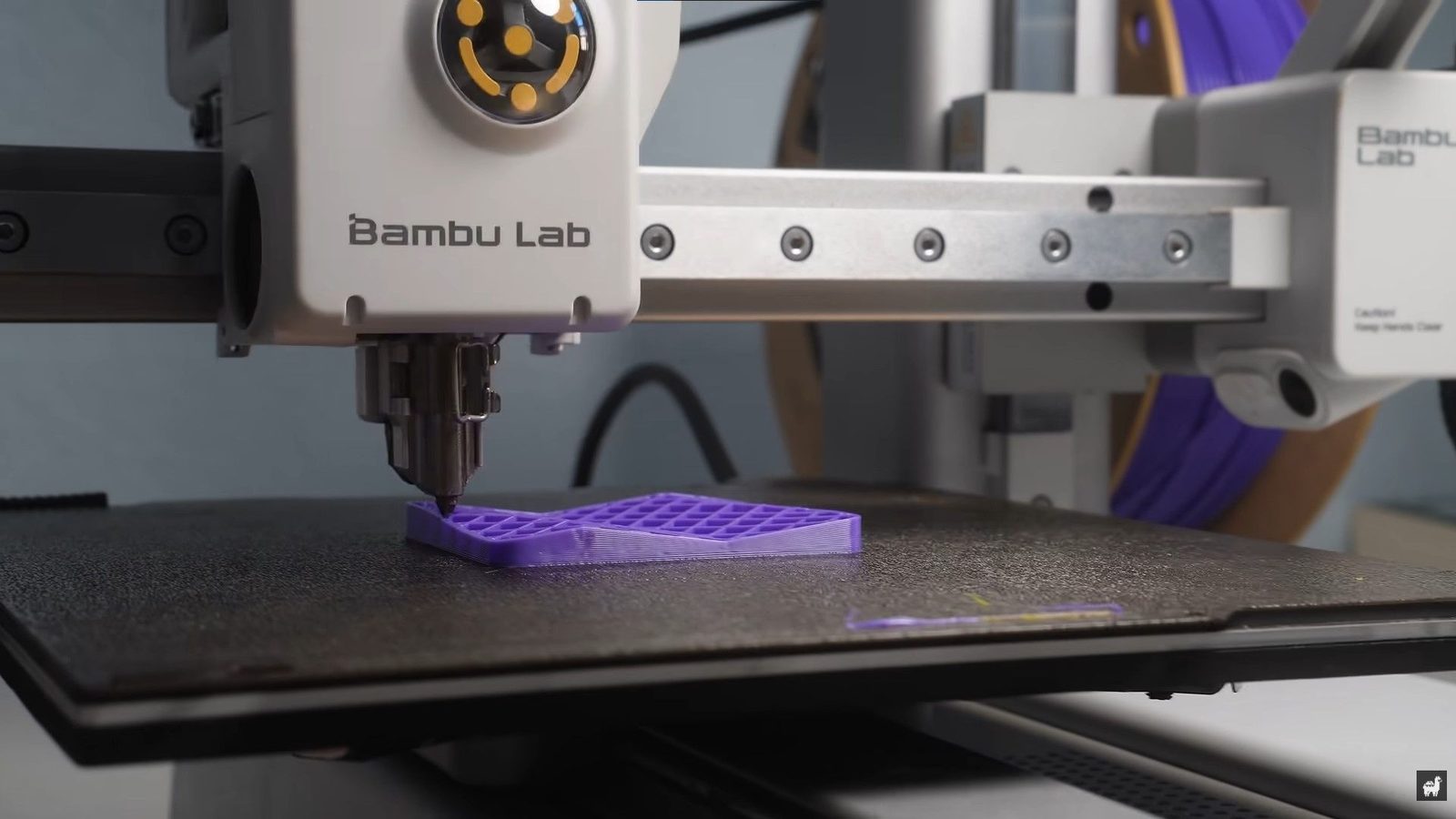
Alpaca Engineering has showcased PancakeSlicer, a free self-hostable non-planar slicer, in a YouTube video posted yesterday. The tool aims to make non-planar 3D printing, which prints across all three axes rather than in flat horizontal layers, as easy to use as common modern slicing workflows. It also adds 3D printer management features that can unify work across multiple machines.
What PancakeSlicer Does
Alpaca Engineering says most non-planar 3D printing demonstrations are for research, demonstration, or experimentation, with no easy way for many 3D printer owners to try them. He says non-planar printing is not widely adopted because it is not accessible or easy to implement in a familiar workflow, while many owners are used to modern workflows and do not need to run G-code manually from an SD card. PancakeSlicer is intended to make his non-planar slicing algorithm as easy to implement as existing slicing workflows.
He also notes that commercially available 3D printers are not optimized for non-planar printing. The challenge is the clearance angle needed to move a print head up and down at various angles without crashing into its own print. PancakeSlicer uses 3D models of print heads from different 3D printer models to slice objects while avoiding collisions, although this means support is limited. Alpaca Engineering has listed a large number of supported printers from Bambu Lab, Prusa, Creality, Voron, and many others, and says varying print head shapes mean different printers have different capabilities, with some managing less angle and curvature than others.
Self-Hosting and Printer Management
One of the slicer's best features, according to the source, is self-hosting. Users can host it from a desktop, NAS, or home server and access it through a web UI, allowing multiple users to send print jobs from any device. It also applies different profiles to different printer brands, unifying the experience without switching between slicers to operate multiple 3D printers. This is even available to Bambu Lab users, replacing Bambu Studio and Bambu Connect in LAN-only mode. The slicer can manage two slice jobs at the same time in case other users are slicing at the same time.
Outlook
PancakeSlicer is not the first tool with self-hosted 3D printer management features, but it levels up the goal of making non-planar slicing as easy to access as most modern workflows. Tom's Hardware hopes to see more people experiment with non-planar 3D printing, contribute findings, and rapidly improve it into a genuinely practical slicing method.
Sources: Tom's Hardware
SiTech — AI-powered web development
We build fast, modern websites and bring AI into real business workflows. Have a project or a question? We'd love to help.