Amiga Screens Explained: Planar Graphics, Copper Effects and Simultaneous Displays
A technical primer from datagubbe.se explains what a "screen" meant on the Commodore Amiga: a program could open several displays at once, each with its own resolution, colour depth and palette, on hardware from 1985.
A primer published at datagubbe.se examines one of the Commodore Amiga's most distinctive features: a program could open several screens at once, each with its own resolution, colour depth and palette.
The text looks mainly at the original chipset, OCS (Original ChipSet): ECS and AGA later removed some limitations, but the principles stayed the same.
A Screen Is a Screen
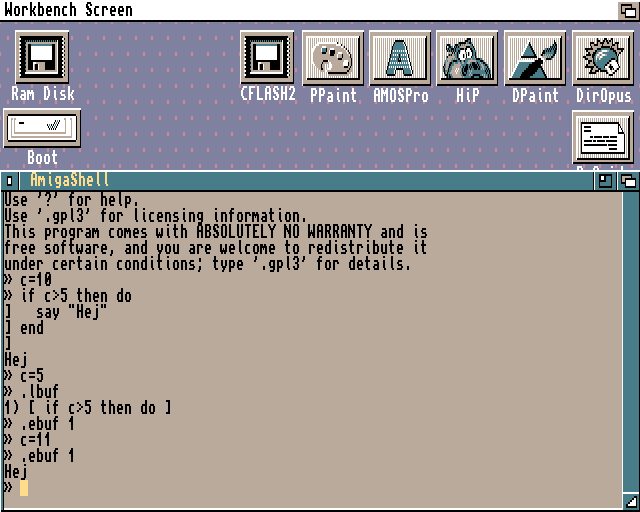
On the Amiga, "screen" is an operating system term for an area onto which graphics is drawn; the hardware manual calls such an area a "playfield".
In the CRT era, opening displays in different resolutions was commonplace, while today we use one fixed area. Memory was expensive, so choosing a mode also saved resources.
Indexed Palettes and Planar Graphics
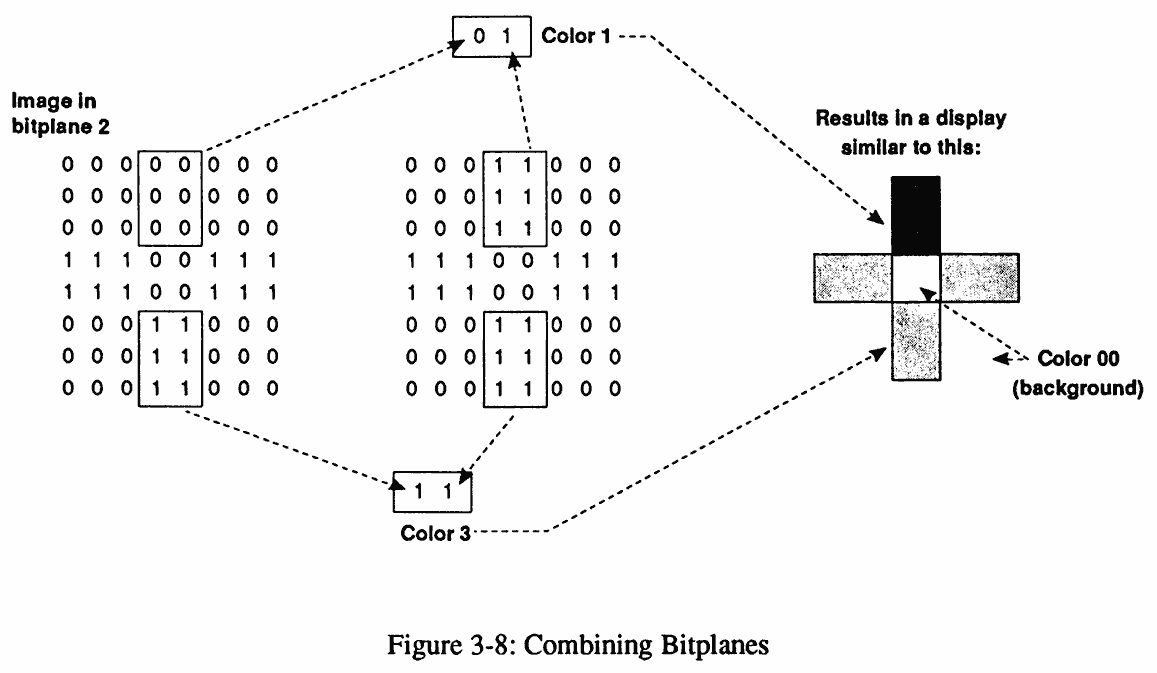
Screens use indexed palettes: colour registers hold values from a 12-bit colour space (24-bit on AGA). Depth comes from bitplanes: one gives two colours, five give 32 and eight give 256 on AGA; each plane is stored separately, so a pixel's colour index changes a bit in every plane.
On OCS and ECS the number of bitplanes depends on the resolution, as these modes targeted PAL and NTSC televisions. On PAL, low resolution is 320x256 pixels (320x512 with interlace) in up to 32 colours, and high resolution is 640x256 (640x512) in up to 16; overscan stretches the area to 724x283. In low resolution a sixth bitplane drives HAM (Hold-And-Modify) or EHB (Extra Half-Brite).
Copper, Screen Dragging and Dual Playfields
The machine was built for games, so repositioning a screen is instant and scrolling is fast enough for a desktop larger than the visible area. Screens can overlap, and the copper co-processor changes a colour register on every horizontal line to produce the famous copper gradients.
Because each screen keeps its own 32 colours, a game can show 64 or more at once. With dual playfields, colour index 0 on the front screen becomes transparent and reveals the screen behind it.
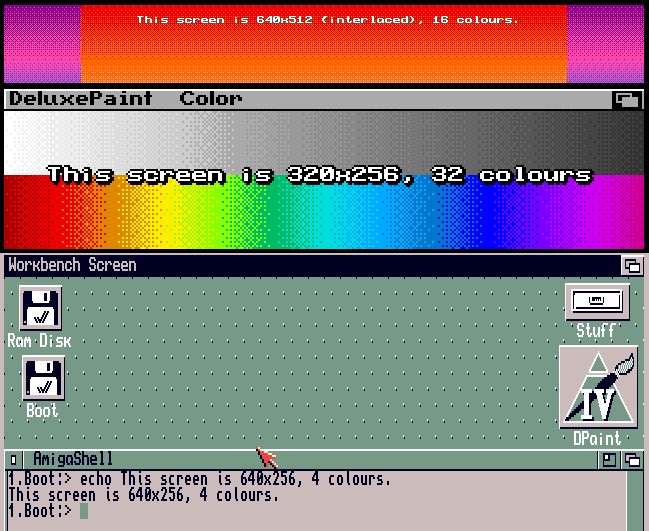
Screen dragging is the best-known trick: drag a title bar down with the mouse and the program behind appears. The author admits the practical value is limited, but in 1985 the effect must have been impressive; the article includes a video shot from a 7 MHz Amiga 600.
Why It Still Holds Up
Some programs still work better full screen: an 80-column terminal or an orthodox file manager suits a 5:4 ratio, and in Directory Opus clicking the very edge of the screen jumps to the parent directory, something pointless in a window that has no edge. The author concludes that Amiga screens combined memory economy and multitasking in one machine.
SiTech — AI-powered web development
We build fast, modern websites and bring AI into real business workflows. Have a project or a question? We'd love to help.