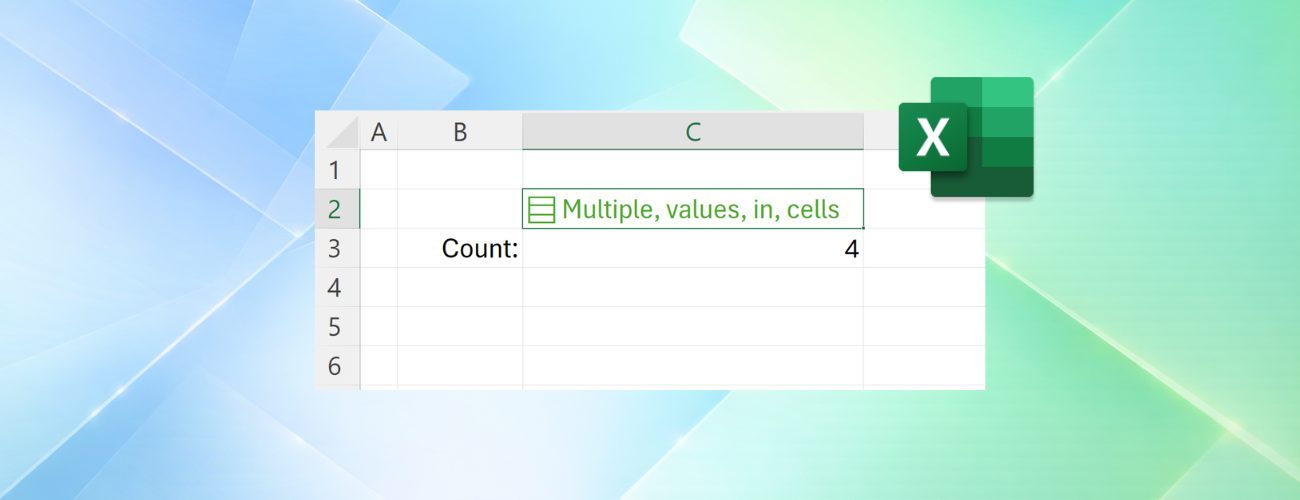
Excel now supports multiple values in a single cell with lists and arrays
Microsoft has added lists, arrays in cells and nested arrays to Excel, letting one cell hold several values that still work separately in filtering and formulas. The features are preview-only for Windows and Mac Beta users.
For the first time in Excel's 40-year history, a single cell can hold more than one value. Microsoft announced the shift on the Microsoft 365 Insider blog on September 24, covering three related additions: lists, arrays in cells, and nested arrays.
All three ship as preview features to Excel for Windows and Mac in the Beta Channel; behaviour may still change before general release, so Microsoft advises against using them in important workbooks.
Lists: several values in one cell
A list is created with Insert > List or the shortcut Ctrl+J; items are typed or pasted separated by commas or semicolons, depending on regional settings. An icon in the cell reveals the individual values, and a double-click or the F2 key edits them.
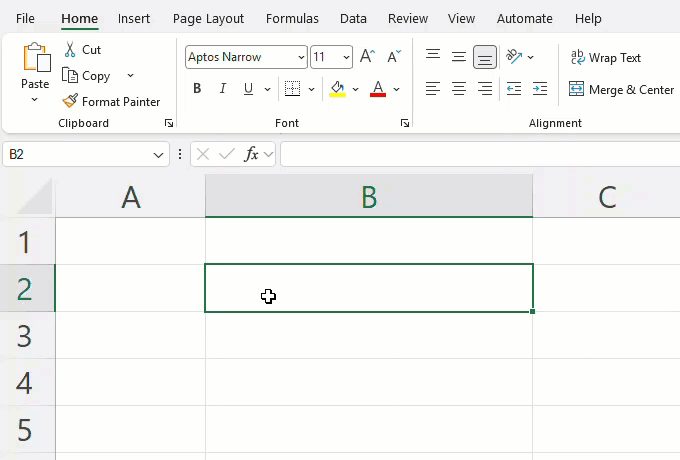
Filtering is the practical gain: instead of matching a whole text entry, a column can be filtered by individual items. Referencing a list returns all of its values for calculations, so =B2 spills them into separate cells.
Arrays in cells and nested arrays
For the first time, arrays exist natively in a cell as values or formula results. A spilling formula is kept in one cell by wrapping its body in braces: ={1;2;3} spills across cells, while ={{1;2;3}} stays put. Arrays also nest inside one another, like ={{1,2,3};{4,5,6}}; such a formula once returned a truncated result or a #CALC! error, and now returns the full nested output.
Four new functions
Four functions were added to make nested arrays easier to handle. FLATTEN(array, [pad_value], [levels]) removes levels of nesting and spills the results into the grid. HAS(array, value), HASANY(array, values) and HASALL(array, values) check whether a value is present in the array: the first tests one value, the second at least one of a list, the third requires all of them.
Compatibility, limits and availability
Most calculations involving nested arrays need Compatibility Version 3, set per workbook under Formula > Calculation Options. Some existing formulas return different results in that version.
The preview carries limits: conditional formatting does not inspect array contents unless a formula is used, data validation cannot use such values as dropdown items, charts do not expand an array into data points, PivotTables do not read array data as a source, and Power Query does not load array-valued columns.
The features roll out gradually to Beta Channel users on Windows Version 2610 (Build 20520.20000) or later and Mac Version 16.114 (Build 26092111) or later. Feedback goes through Help > Feedback in Excel.
SiTech — AI-powered web development
We build fast, modern websites and bring AI into real business workflows. Have a project or a question? We'd love to help.