Get started with the GitHub Copilot app: a free, hands-on course
Microsoft has published GitHub Copilot app for Beginners, a free open source course with a setup chapter and seven hands-on lessons on running, reviewing and automating AI coding agents.
GitHub Copilot began in the editor and then moved into the terminal. Now it has a desktop app as well. The GitHub Copilot app is where developers run AI coding agents and review their work before any of it ships: plans, diffs, test output, browser previews, issues and pull requests all live in one window.
On 28 September, Microsoft for Developers published a free, open source course called GitHub Copilot app for Beginners: a short setup chapter and seven hands-on chapters built around the same sample project. A Copilot plan is required, or developers can sign in with their own model provider.
What the GitHub Copilot app does
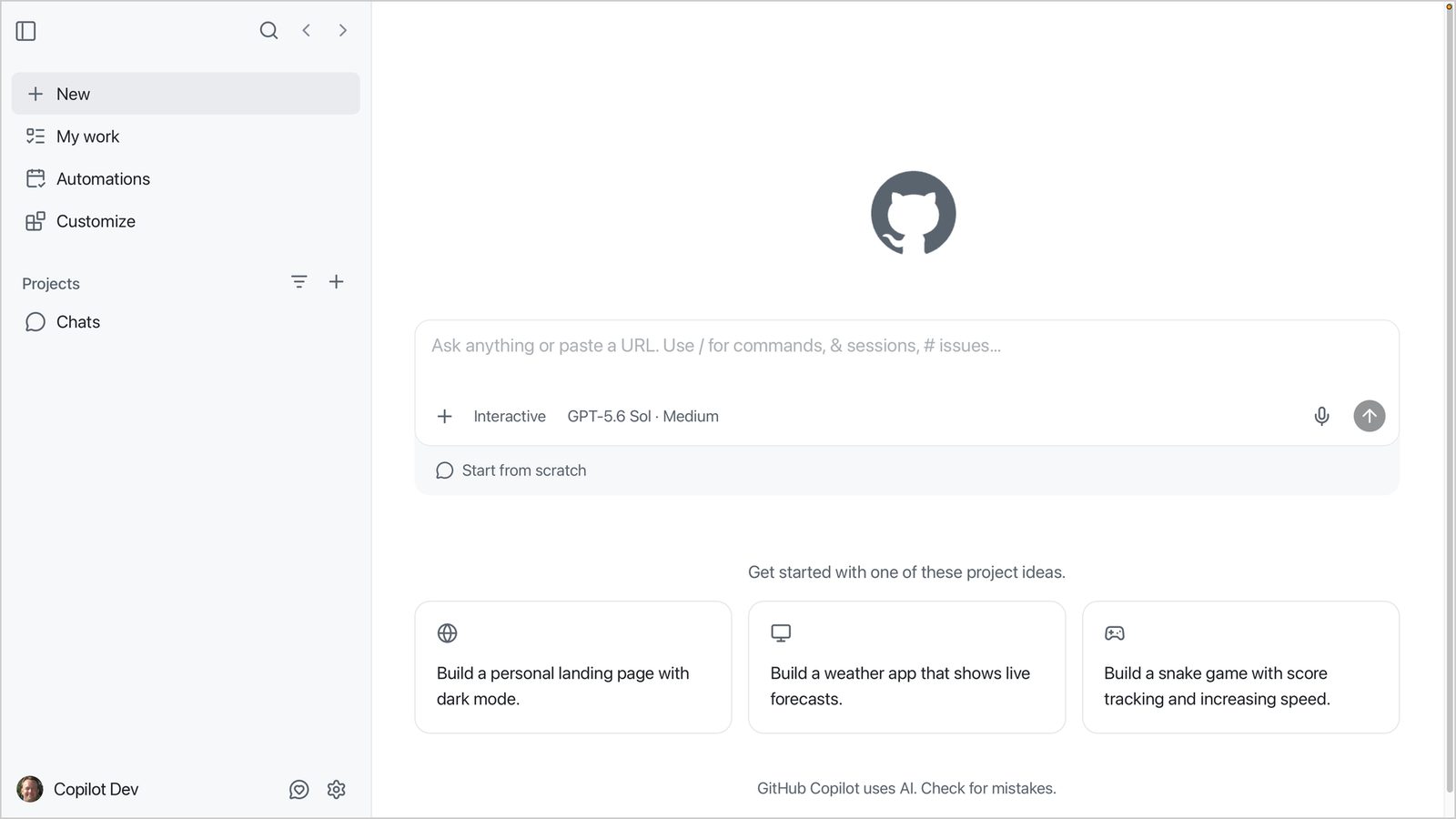
Each project session runs in its own git worktree, so parallel tasks do not step on each other. Developers pick one of three session modes according to how much control they want: Interactive, Plan or Autopilot. Inside the app they can read the diff, run the tests and preview the running application in a built-in browser.
The app extends through skills, custom agents, MCP servers and canvases, and the same project can still be opened in VS Code whenever code has to be edited by hand.
What the course covers
Every chapter uses samples/book-app-web, a small book collection app built with React, Vite and TypeScript where books can be searched and filtered by genre and reading status. The project is short, but it still has real tests and a build step.
In the development chapter, a setup script creates a practice branch with a bug: the reading statistics ignore the active filters. The developer starts a session from that branch, attaches the issue with # and submits the task in Plan mode. Copilot then implements the fix, and the work is checked by hand: the diff in the Changes tab, the tests in Terminal and the app in the Browser tab.
How the course teaches
Every chapter follows the same pattern: a real-world analogy, hands-on exercises and key takeaways with an assignment. The analogies come from a recording studio, and the session modes are compared to a producer in the control room: Interactive directs a take with frequent check-ins, Plan charts the arrangement before anyone plays a note, and Autopilot hands a well-defined task to someone you trust.
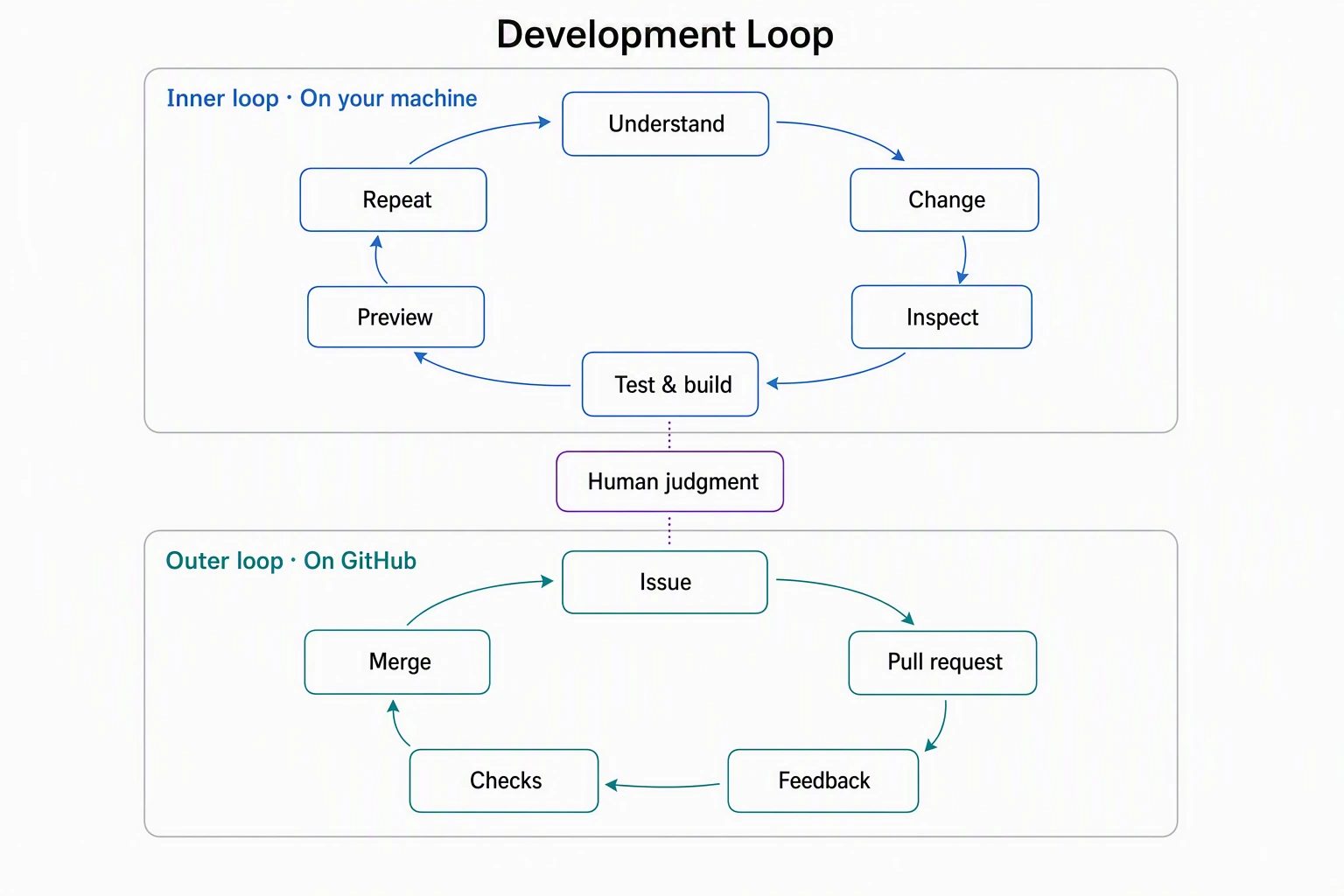
The author's central message is to trust the evidence: a confident answer from Copilot is not working software, so a developer should check the diff, the test and build output, the running app and the checks on the pull request.
SiTech — AI-powered web development
We build fast, modern websites and bring AI into real business workflows. Have a project or a question? We'd love to help.