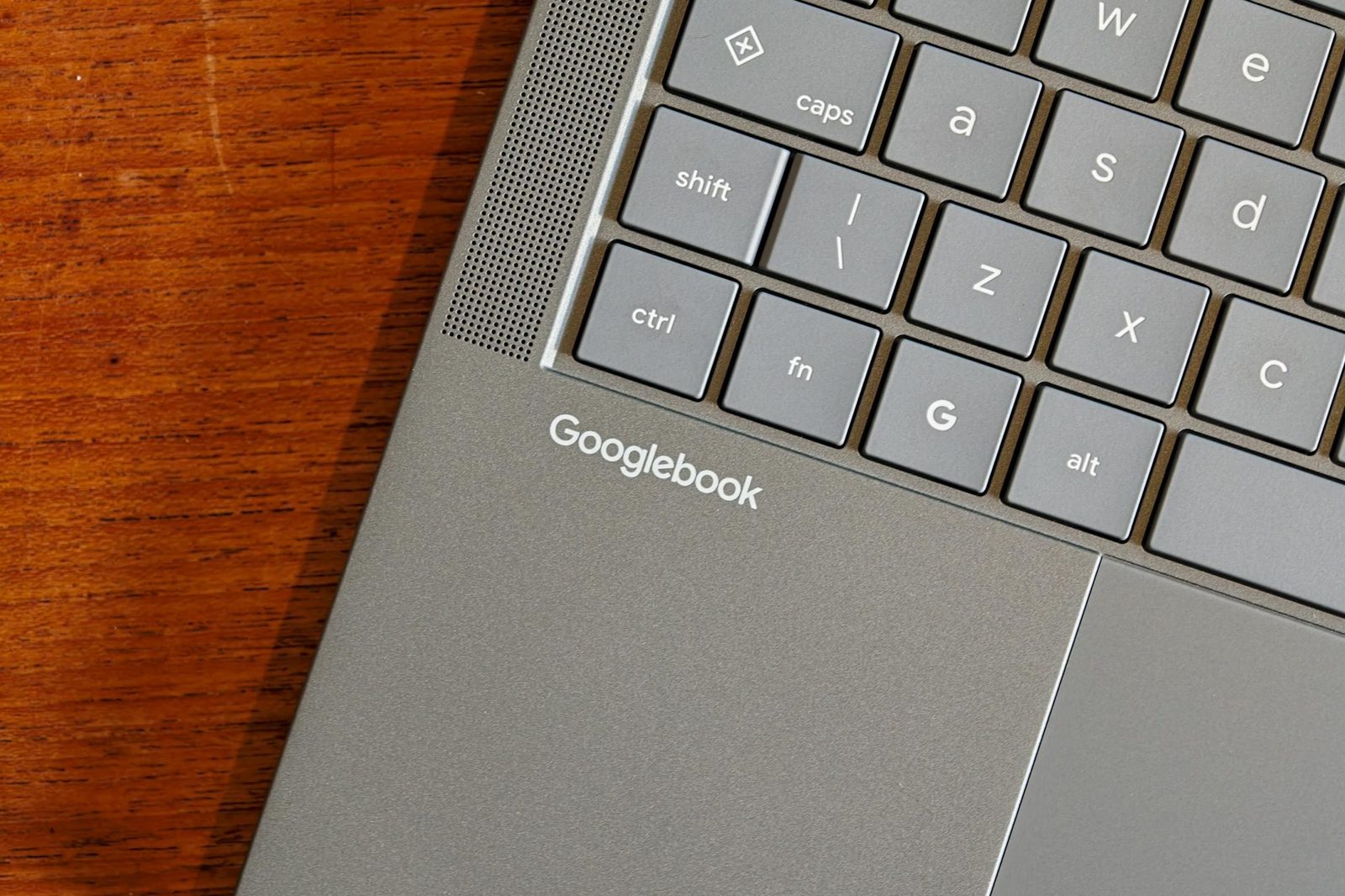
Googlebooks Bring Android to Laptops but Connectivity and Apps Fall Short
A week with Asus and HP Googlebooks shows Android's strengths on laptops, but flaky phone pairing, broken file sharing, and limited desktop apps hold the devices back.
Setup Is Smooth but Phone Pairing Is Flaky
Googlebooks, Android powered laptops from Asus and HP, offer a quick setup process that takes just a few minutes, including biometric logins, Google account sign in, and phone connection for apps and backups. The process lets users copy every app from their phone or only desktop optimized ones, with minor variation between the two models.
However, keeping the laptop and phone connected proved difficult during testing. Fully pairing either Googlebook to a phone required toggling cross-device settings on both devices and multiple restarts. The devices must share the same Wi-Fi network and have Bluetooth enabled, so the connection fails offline. Switching to a new Wi-Fi network broke the connection again and required a laptop restart. The Asus model eventually connected reliably to an Oppo phone but refused to recognize others, while the HP model alternated between the Oppo and a Vivo X Fold 6, and only connected to a Pixel 11 Pro Fold after days of ignoring it.
Android Apps Shine and Stumble on a Laptop
The strongest part of the experience is Android itself. Desktop versions of familiar apps replace web browser work, and some offer mobile specific functionality, such as downloading HBO Max and Netflix episodes for offline viewing, which could replace an Android tablet.
Many apps remain problematic. The mobile version of Slack is unworkable on a desktop, and Adobe's Android apps are limited compared to their desktop counterparts. Apps labeled "Optimized for desktop" in the Play Store usually just stretch the interface and add basic mouse and keyboard support, often without right click recognition. The "Made for desktop" tag is the only one that meaningfully counts, and it appears on only a handful of apps. Even Google's Chrome lacks profile switching, split view tabs, and custom search engine shortcuts. Despite promises of the entire Play Store library, Bluesky and the login tool Okta cannot be installed on either the Intel or Arm based models.
Casting and File Sharing Fall Short
Googlebooks can cast individual phone apps to the laptop, with the app running on the phone but controlled from the PC. The feature works well for quick tasks like updating a payment in Splitwise or sending a WhatsApp message, but it has limits: no copy and paste between native and cast apps, no file system access, and secure apps like banking tools often refuse to run. Casting Bluesky fails entirely, and some apps render incorrectly even afterward on the phone.
Continue On, which lets users move tasks between phone and laptop, supports only a handful of apps and triggers inconsistently. Notifications mix phone and laptop alerts and behave erratically, with Slack opening a casted app and only one Gmail account supported at a time. File transfer is effectively broken, taking minutes to load the phone's storage and minutes more to move a single 5MB photo, while Quick Share moves the same files in seconds.
Verdict
After a week of testing, the author says the idea is wonderful but the execution is lacking. The devices are not recommended in their current state, though an Android laptop could be worth considering once the execution catches up to the concept.
Sources: Techmeme
SiTech — AI-powered web development
We build fast, modern websites and bring AI into real business workflows. Have a project or a question? We'd love to help.