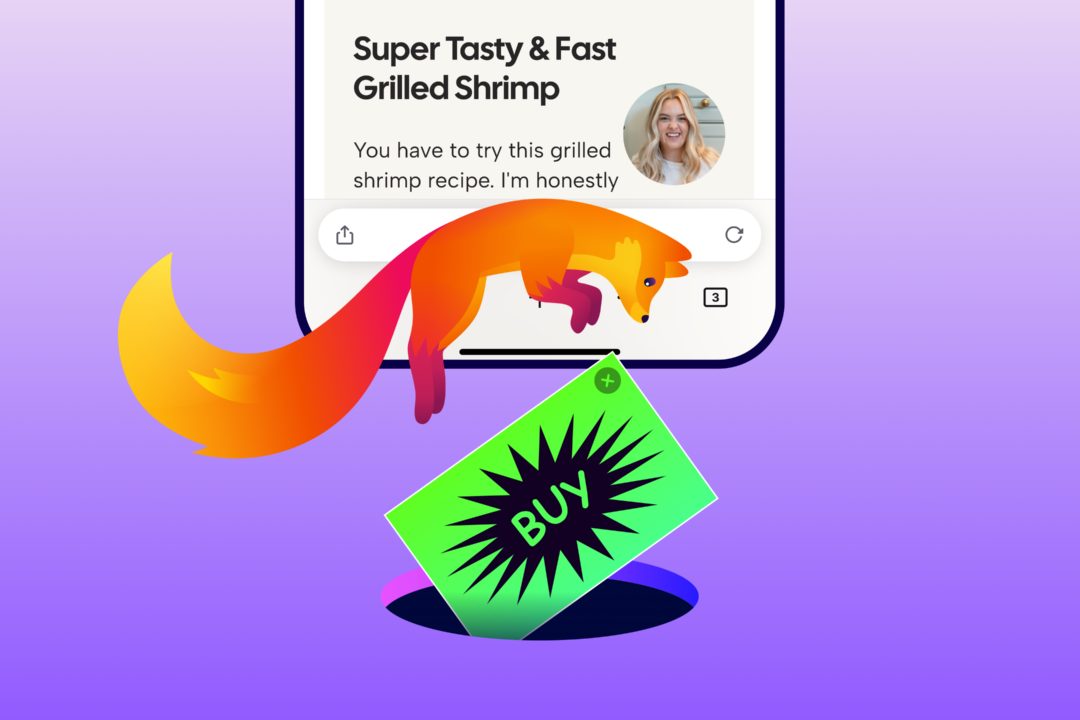
Mozilla introduces a built-in ad blocker for Firefox on iOS
Firefox for iOS now ships a built-in Ad Blocker that stops many third-party ads and ad-related trackers before they load. It is off by default and works alongside Enhanced Tracking Protection.
Mozilla has introduced a built-in ad blocker in Firefox for iOS. The feature blocks many third-party ads and ad-related trackers before they load, cutting clutter and distractions while browsing.
The blocker is off by default, so switching it on is the user's decision. Mozilla says the step was shaped by the restrictions of iOS, which called for a different approach than on desktop and Android.
How it works
Ad Blocker relies on Apple's WebKit Content Blocker technology and the EasyList filter list to decide what gets blocked. There is no separate extension to install: the feature is enabled under Settings > Browsing > Ad Blocker.
Mozilla is explicit that it will not block every ad. Ads served directly by the site someone is visiting and ads shown in search results will still appear. Sponsored shortcuts and other sponsored content that Firefox surfaces when a new tab opens are separate from ads on web pages, so Ad Blocker does not affect them.
The feature works alongside the privacy protections already built into Firefox, including Enhanced Tracking Protection, which blocks many trackers and limits tracking across the web.
Why built in rather than an extension
On desktop and Android, Firefox already supports a strong ecosystem of ad-blocking and privacy extensions, and the company says it will keep supporting it. iOS works differently: extensions are not available in the same way there, which is why ad blocking was built directly into the browser.
Choice and context
Mozilla stresses that advertising funds much of the open web and supports publishers, creators and the sites people rely on. That is why Ad Blocker is optional: users decide whether it becomes part of how they browse. The company presents the move as part of a broader Firefox approach to give people more control, from the extensions they use to how AI shows up in the browser.
Users who find an ad they expected to be blocked, a site that behaves strangely or anything else worth improving can report it on Mozilla Connect. More details are available on the support page.
SiTech — AI-powered web development
We build fast, modern websites and bring AI into real business workflows. Have a project or a question? We'd love to help.