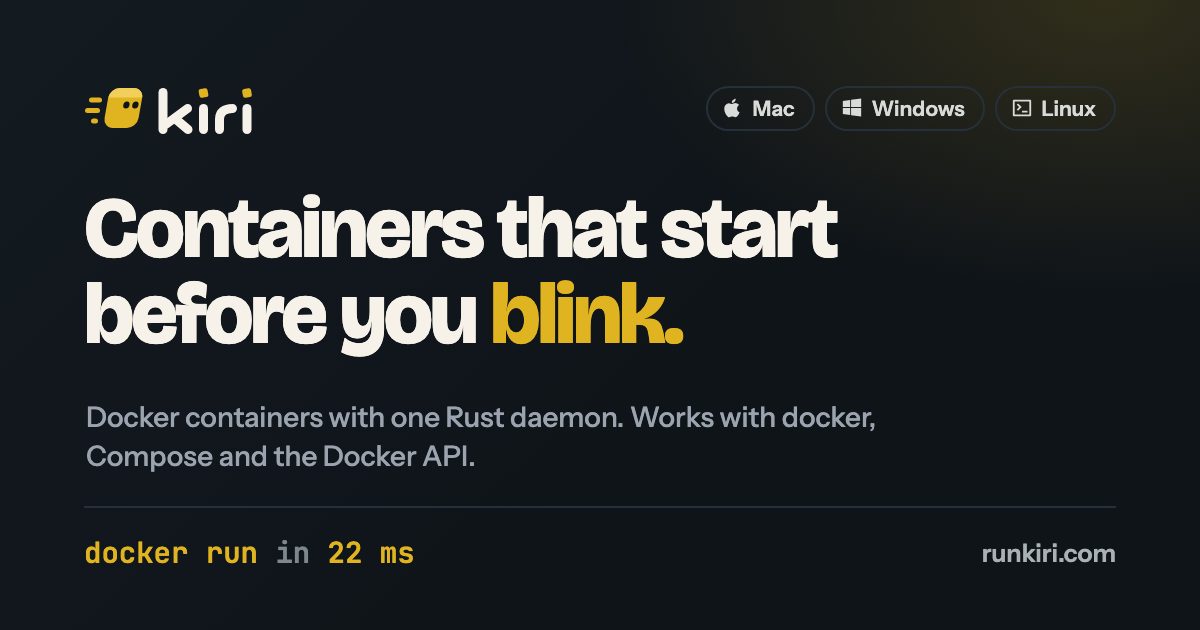
Kiri 0.2.1 Promises Faster Docker-Compatible Containers on Mac, Windows and Linux
Kiri 0.2.1 is a free beta container runtime for Mac, Windows and Linux that runs Docker containers through one daemon and works with the usual docker CLI, Compose and Docker API, reporting 22 ms docker run times on tested hardware.
Kiri 0.2.1 is a free beta container runtime for Mac, Windows and Linux. Its page calls it a modern container runtime, says it is eight times faster than Docker, and says it runs Docker containers through one daemon while working with the usual docker CLI, Compose and Docker API. It also reports a 22 ms docker run time on one tested Apple Silicon Mac against 178 ms for Docker Desktop.
Performance and benchmarks
The page lists docker run at 22 ms on Kiri, 178 ms on Docker Desktop, 152 ms on Colima and 279 ms on OrbStack, with every engine limited to 2 CPUs and 8 GB. It also shows a race for docker run --rm alpine true, says most of that time is the Docker CLI starting up, and states that a whole container lifecycle through the Docker API takes 3.1 ms. On macOS, Kiri uses one Linux VM through Virtualization.framework; cold boot to ready takes 112 ms, down from 810 ms on a stock kernel, and a vsock round trip takes 31 microseconds. The daemon stays around 15 MB, and waking the VM takes 0.15 s after idle sleep. The page says OrbStack keeps a shim for each container, and that 143 running containers held 1.13 GB in shims on the test Mac. The CPU and memory figures shown for the 10 containers are marked as a sample, and the page says measured numbers will replace them soon.
Features and sharing
Kiri's window is available in 15 languages. It supports docker, docker compose, docker buildx, the Docker Engine API, Docker Hub, OCI images, ghcr.io and Dockerfiles. Containers and Compose projects can be managed in the window, with live logs, a shell and files for each container. Images can be searched on Docker Hub from the window, layers can be watched during pulls, and amd64 images run through Rosetta. Builds use BuildKit, with a Builds view and a vulnerability scan on each image's page. kiri k8s start creates a k3s cluster in about 20 seconds, with Pods and Services shown in the window, and kind also runs. Linux machines can be created with kiri machine create dev --distro ubuntu, with the user's own account, sudo, and the Mac folders at the same paths. Apps open by name at web.kiri.local, Compose services at names such as api.myapp.kiri.local, using Kiri's own certificate authority. Kiri Share gives a public link for a running container on runkiri.cloud over HTTPS until disconnect; shares from other Macs and PCs appear in one list, and first visits show a Kiri warning page. The app is native, using AppKit and system WebKit on Mac and Win32 and WebView2 on Windows, with no Electron and no bundled browser. On Mac, Kiri can bring images and volumes from OrbStack or Docker Desktop and lives in the menu bar. A sample window lists containers such as web, api, db, worker and redis, and Kubernetes with 9 pods ready.
Platforms and installation
On Mac, Kiri uses one minimal Linux VM through Virtualization.framework. On Windows, it runs inside WSL2 with the Docker API on a named pipe and is in beta. On Linux, it runs natively without a VM, with the daemon calling clone3 on the kernel. To install on Mac, open the disk image and drag Kiri to Applications; it sets up docker. Kiri sets up a kiri docker context and brings its own docker, Compose and buildx. Version 0.2.1 is for Apple Silicon and macOS 14 or later. Coming from OrbStack or Docker Desktop, Kiri brings images and volumes over.
Sources: runkiri.com
SiTech — AI-powered web development
We build fast, modern websites and bring AI into real business workflows. Have a project or a question? We'd love to help.