
macOS 27 “Golden Gate” is a buggy mess, an engineer's two-week log shows
A SquareOrbits engineer logged dozens of defects in macOS 27 “Golden Gate” during daily use: misaligned controls, a crashing menu bar and a bug that hangs the whole system. Apple pitches the release as a fix for last year's Tahoe.
In June 2008 Apple announced Mac OS X Snow Leopard and said it would ship no new features, focusing instead on stability and under-the-hood work. Eighteen years later the company is running the same play.
According to the author of the SquareOrbits blog, macOS 27 “Golden Gate” is meant to fix the missteps of last year's Tahoe and promises “a more responsive and delightful experience”. He logged the bugs he hit over two weeks of daily use.
Alignment is hard
The post opens with the QuickTime record button, which is at least centred vertically. The window tiling icons fare no better. A password field's placeholder text is misaligned, and the first screen of System Settings shows a strange line height under the “General” heading.
What they forgot
The Mac User Guide is still written for last year's OS, Tahoe. The Touch Bar settings show Siri's old logo, and the Network app cannot decide which icon to use. Window controls now have a glossy sheen, but the Mission Control app icon still shows the old ones.
Bugs and crashes
The release changed the architecture of the menu bar and broke many third-party menu bar management apps. A visual glitch appears when the cursor is run along the top of the screen in Mission Control; the Profiles menu in a new Firefox window takes a moment to load; the File menu highlights itself unprompted. Moving the green camera icon crashes the menu bar.
Search in System Settings sometimes refuses to work outright. Links stay clickable only for a split second, the Touch Bar volume slider no longer auto-hides, and the Screenshot app can appear twice. Mission Control still leaks its ancestry: the string __NSTextViewCompletionWindow, a holdover from NeXTSTEP, turns up in its UI, and a TextEdit window gets an oversized highlight.
Under nitpicks the author files the Touch Bar icon that does not match the one on screen, the oval camera lens in the Screenshot app icon, and a Dock folder that closes the current folder instead of opening the one that was clicked.
The bug that hurts
The author admits that once he started noticing bugs he went looking for them, but that is the point: in a release Apple described as one where “nothing was off limits, no enhancement too small”, bugs should not be this easy to find. Snow Leopard had nearly two years to earn its polish, and he wonders whether the annual release cycle has become a burden.
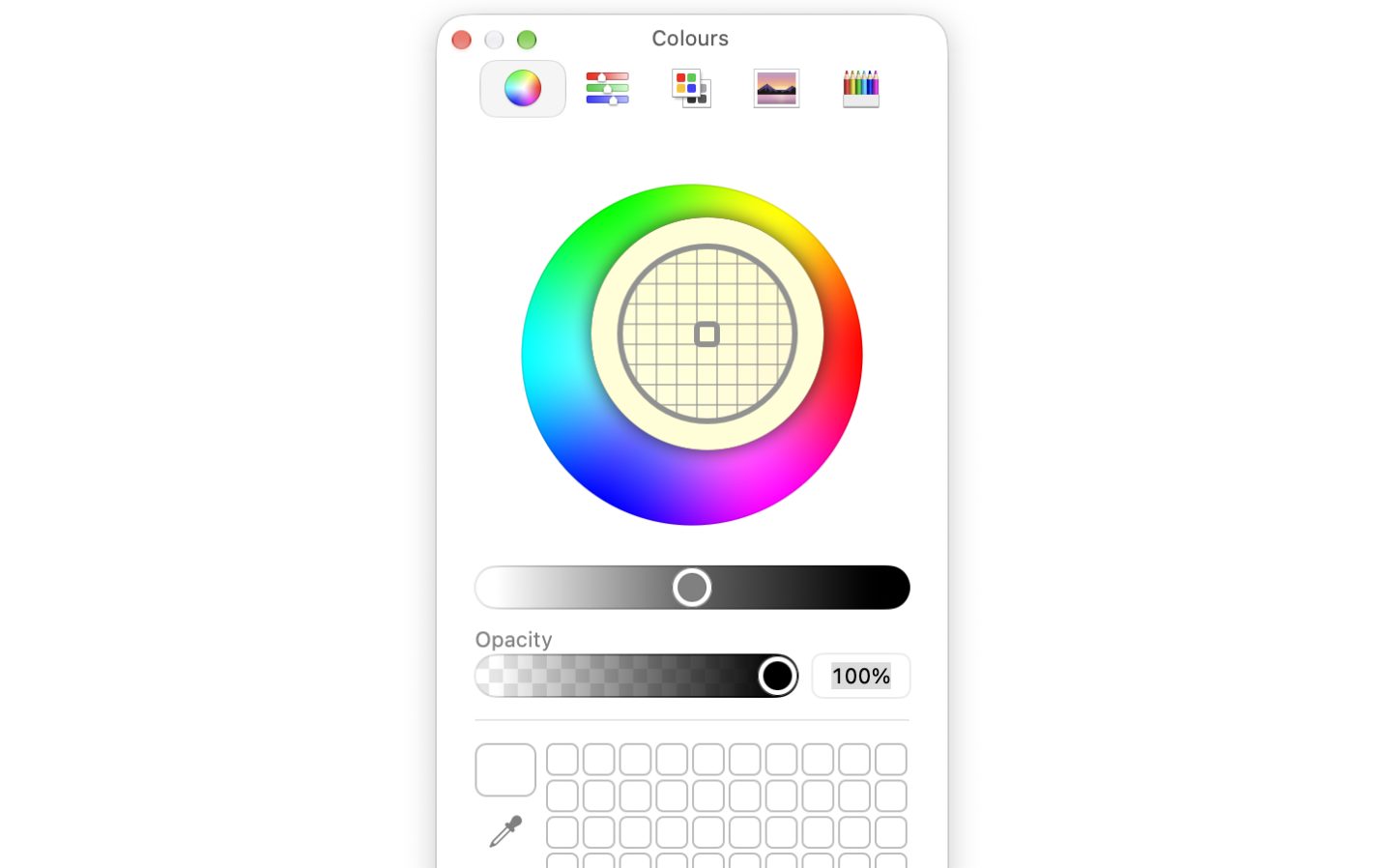
The post ends with his favourite bug: picking a colour with the built-in eyedropper in the Colours window hangs the entire system, leaving a forced restart as the only way out.
SiTech — AI-powered web development
We build fast, modern websites and bring AI into real business workflows. Have a project or a question? We'd love to help.