macOS Needs Its Grid Back — and One Developer Built an App for It
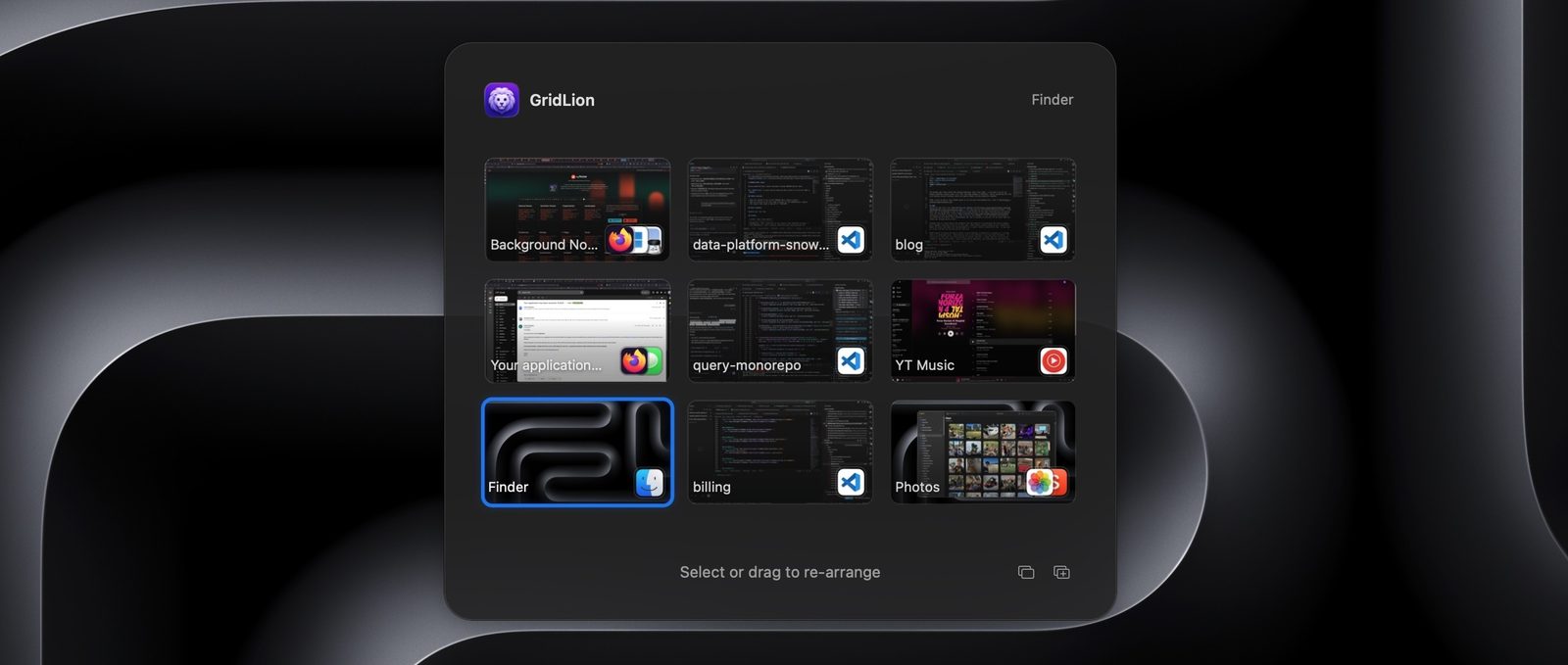
A developer who missed the grid of virtual desktops in macOS Leopard has shipped GridLion, an app that restores 3x3 space navigation after Mission Control reduced spaces to a single horizontal row.
Twenty years ago the author of the blog Hopefully Useful had, in his view, a better Mac desktop experience than he has today: one low-resolution screen that felt like nine displays, because muscle memory and spatial memory did the navigating. His complaint is specific, and he has now shipped an app called GridLion to answer it.
What Leopard got right
macOS 10.5 Leopard, released in 2006, introduced Spaces: virtual desktops arranged in a customisable grid. The author adopted a 3x3 layout and treated it as nine screens — a browser in the centre, an editor above it for one-key switching, Xcode in the top left and the iOS simulator below. Moving between screens stopped requiring thought, and he reused the idea later, including the grid of 16 sequencing screens in his drum machine app EasyBeats.
What Lion took away
In 2011 macOS Lion replaced Spaces with Mission Control, which restricted virtual desktops to a single horizontal row. Reaching a particular screen from the keyboard meant sliding through the row, and remembering whether the browser was on screen seven or eight became guesswork. Alternatives such as Total Spaces caused slowdowns and depended on modifying the system dock, which later required bypassing System Integrity Protection. He also rejects tiling window managers: what he wants is not tidy windows but dedicated workstations that stay as he left them.
How GridLion came about
The turning point was an open-source project, InstantSpaceSwitcher, that removed the animation macOS plays when moving between spaces without any system edits. Seeing an instant space change, the author realised a grid could be modelled on top of the native single row. With help from an LLM he had an ugly but working prototype within a day, then spent about a month polishing it. macOS keeps most Mission Control APIs locked down, and because GridLion calls private APIs it is not permitted on the App Store, so sales run through Lemon Squeezy, a merchant of record that required him to demonstrate he was selling something of actual value.
Permissions were the messiest part. Capturing global keyboard shortcuts and navigating spaces needs the Accessibility permission, and generating previews of non-visible windows needs Screen and System Audio Recording — a chain of dialogs he compares unfavourably with iOS, where a single prompt enables a permission. The app works without preview permissions, he notes, and never touches the network unless asked. On LLMs he is ambivalent: they are, he writes, like very fast ships that go off course without a good feedback loop, and since so much of an interface is about feel, a human has to stay in the loop. Some things remain out of reach, such as moving a space between displays, for which no reliable APIs exist; he would rather Apple brought grid-based spaces back to macOS itself.
SiTech — AI-powered web development
We build fast, modern websites and bring AI into real business workflows. Have a project or a question? We'd love to help.