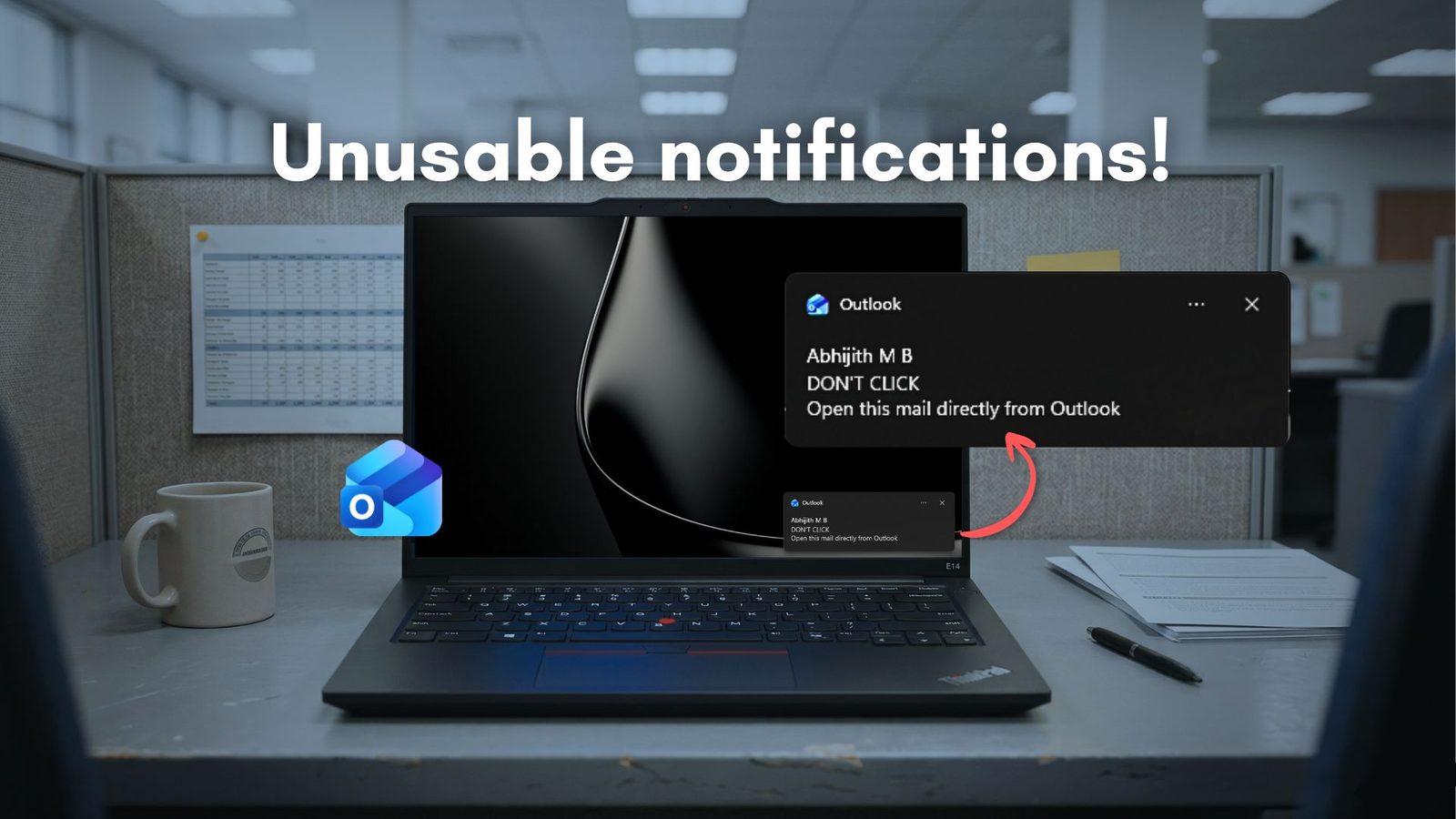
New Outlook needs 10 seconds to open an email from a notification
Clicking a Windows 11 mail notification opens the whole inbox first: the WebView2-based app needs about 10 seconds to reach the message, while Outlook Classic shows it almost instantly.
Clicking a Windows 11 notification for a new email is supposed to take you straight to that message. In Microsoft's new Outlook for Windows it does not: the app opens, loads the full inbox and only then shows the email — a wait of around 10 seconds, according to testing published by Windows Latest.
Two Outlooks, two speeds
Windows 11 ships with both versions. Outlook Classic is the long-running Win32 desktop app; the new Outlook is built on Edge's WebView2 runtime, which in practice is a browser window that loads Outlook.com. Launching the new app is no longer the problem — it now opens almost as quickly as Classic, which remains marginally faster.
Notifications are the problem. With Outlook Classic, clicking the banner opens the specific email almost instantly. With the new Outlook, the click starts a chain: the app resumes its web layer, authenticates, loads the mail thread and renders it. By the time the message appears, roughly 10 seconds have passed — longer than opening the app from the Start menu and clicking the email by hand, which takes about five.
Ten processes and four times the memory
In Task Manager the new Outlook runs as 10 separate processes, including a WebView2 Manager, several utility processes, a GPU process and a service worker, where Classic runs as a single compact process. The article's own measurements put the new app at 490–636 MB of RAM while idle, against 117–148 MB for Classic — roughly a fourfold difference — and about 4% CPU at idle versus less than 1%.
The pattern is not unique to mail. Microsoft has acknowledged the slowness of WebView2 apps and tested an API, "Delayed Message Timing", to diagnose it, though there is no sign of it being used for Outlook notifications. In June the site reported that WhatsApp now consumes 1.2 GB of RAM on Windows 11 after Meta replaced its native app with a WebView2 wrapper.
Improvements, and a native future
Microsoft has kept adding features: better folder search and shared mailbox access in March 2026, automapped calendars and teammate calendars in May, and a June update that brings a unified all-accounts inbox in August, improved mail merge and wider .PST support. A July update will let users import calendar items and contacts from local archive files. In early June the company listed 15 productivity features as reasons for Classic users to switch, and it has postponed the forced enterprise migration deadline to March 2027.
Classic Outlook remains available and supported until April 2029. The longer-term answer, the report suggests, may be native code: Microsoft has said it is committed to WinUI, and a team is being assembled to build native Windows apps — which could one day mean a native Outlook as well.