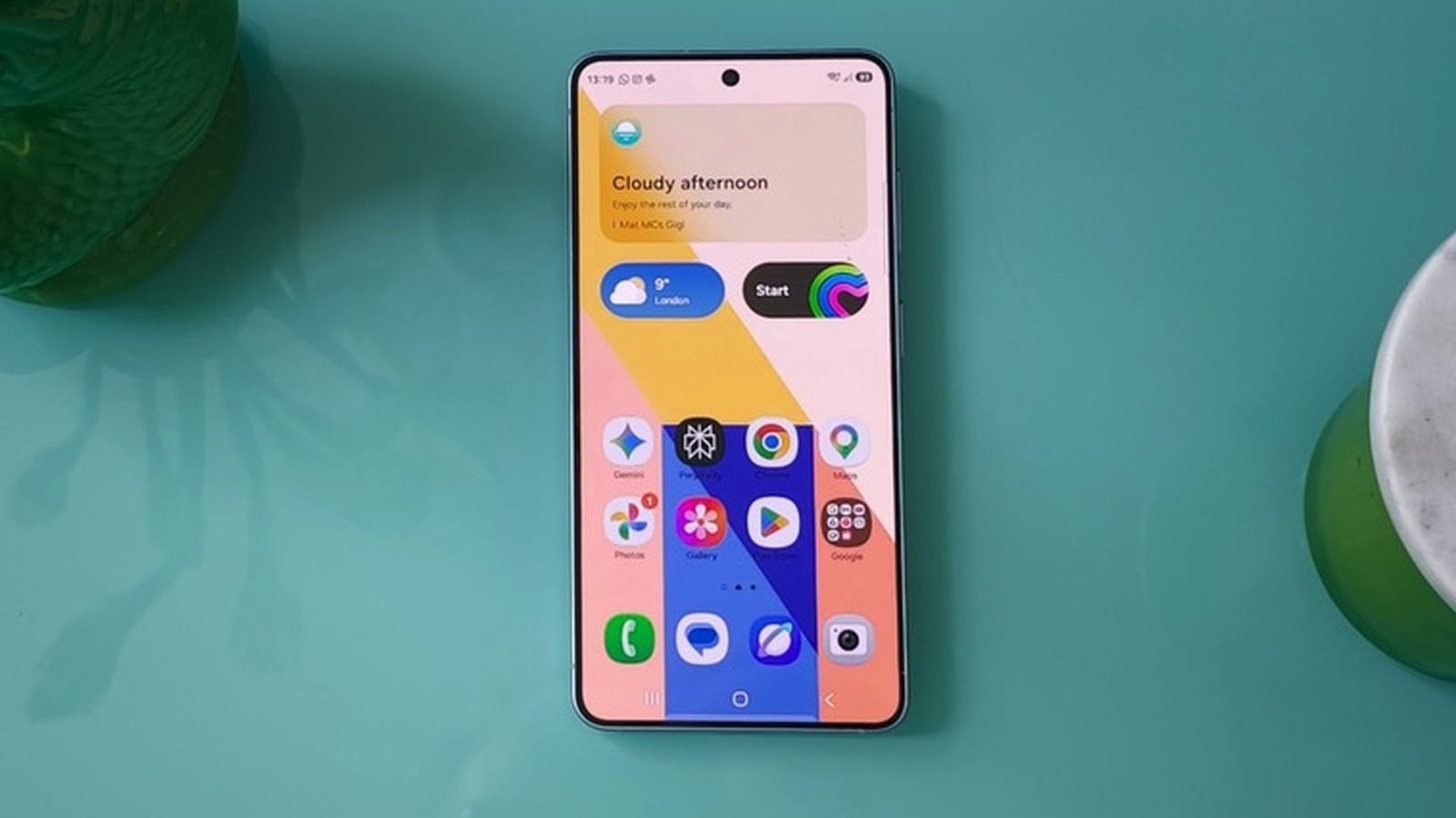
Samsung Gallery Can Now Sync Photos With Google Accounts
Samsung has announced that its Gallery app can now sync photos and videos with a Google account, replacing the ended OneDrive integration for select Galaxy devices running One UI 9.
Samsung has announced that its Gallery app can now sync photos and videos with a Google account. The change comes after the company ended Gallery's Microsoft OneDrive integration in September. For now, the feature is limited to select Galaxy devices running One UI 9.
How the sync works
In the past, users wanting to back up media to Google storage on a Samsung phone had to use Google Photos instead of, or in addition to, the native Gallery app. Now, users can enable Gallery sync by tapping the Cloud icon in Gallery or by going to Gallery Settings and switching on Sync photos and videos. Once enabled, media files sync to the Google account, allowing access from another Samsung Galaxy device after logging in and enabling sync there. Users can see previews of synced photos and videos on that device, then select and download the original files.
Freeing device storage
Samsung also offers a Free up space option in the Sync photos and videos settings. It deletes original files from the phone or tablet after they have been synced to Google storage, while keeping thumbnails visible in the Gallery app.
Storage and rollout
The feature is currently available only on select Galaxy devices running One UI 9, with broader rollout planned in phases. Gallery sync uses Google account storage, which includes 5GB free by default and can expand to 15GB after verifying a valid phone number. More storage requires a Google One subscription, priced at $2 per month for 100GB or $3 per month for 200GB.
Sources: Engadget
SiTech — AI-powered web development
We build fast, modern websites and bring AI into real business workflows. Have a project or a question? We'd love to help.