
What does anti-aliasing actually do to your PC games?
Anti-aliasing smooths the jagged edges of game graphics, but the methods behind it differ sharply: supersampling and MSAA cost GPU performance, FXAA and SMAA filter the finished frame, and TAA uses data from previous frames.
Anti-aliasing is one of the oldest settings in PC gaming. A decade ago the choice was simple: push MSAA to 4x or 8x and hope the frame rate survived. Today the menu offers FXAA, SMAA, TAA, DLAA and more.
Games must represent curved and diagonal edges on a grid of square pixels, producing stair-step patterns called "jaggies." Anti-aliasing smooths those edges, but the methods differ sharply in how they work and what they cost.
Why different anti-aliasing methods look distinct
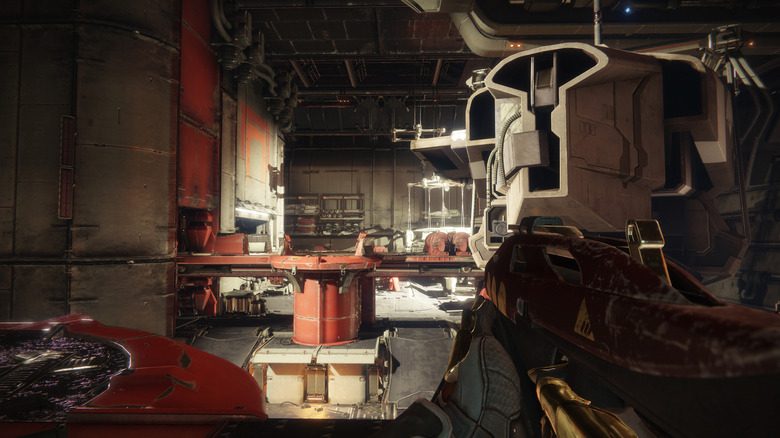
Some methods ask the GPU for extra samples. SSAA, or supersampling, is brute force: render at a higher resolution, then downsample to the display resolution. It works well but is extremely taxing. MSAA is more reasonable — instead of supersampling the whole frame, it concentrates extra samples around the edges of geometry; more samples mean smoother edges at a higher GPU cost.
MSAA has a catch: it mainly fixes geometry edges, while aliasing from materials, textures and transparent surfaces remains. Epic's Unreal Engine documentation supports MSAA only with the forward renderer, not the desktop deferred renderer — one reason 2x, 4x and 8x MSAA modes are not always offered in newer titles.
FXAA and SMAA work on the finished frame. FXAA detects high-contrast edges and smooths them — quick and cheap, but it may soften image detail. SMAA uses more advanced edge and pattern detection to keep sharpness at a low performance cost.
Modern anti-aliasing changes the decision
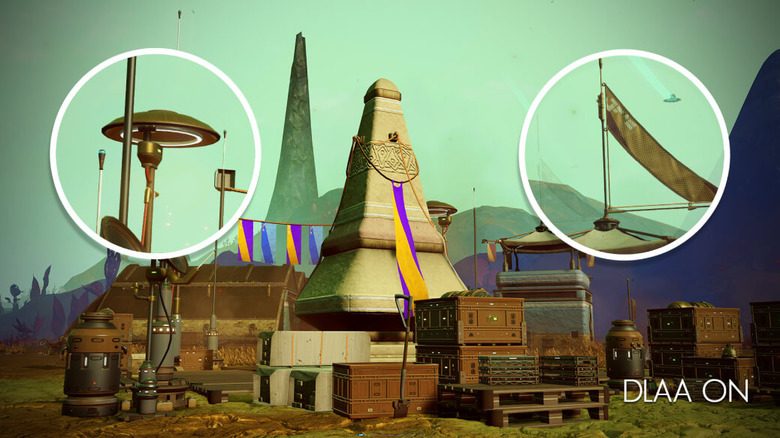
TAA brings previous frames into the picture, which smooths jagged edges and reduces the crawling and shimmering seen on fences, foliage, power lines and distant objects as the camera moves.
Two methods can look almost identical in a paused screenshot, while panning the camera reveals shimmering, blur or ghost trails almost instantly. TAA can also cause softness or ghosting when information from previous frames does not line up cleanly.
Native-resolution modes and how to choose
NVIDIA does not position DLAA as a performance boost: it uses DLSS's Super Resolution technology but works at native resolution. AMD offers a similar Native AA mode with FSR, and Intel's XeSS has a Native Anti-Aliasing mode at native resolution.
There is no single best setting. If the GPU is the limiting factor, reducing or disabling anti-aliasing can improve performance, but off is not automatically better: a few extra frames while distant fences sparkle like Christmas lights is rarely a good trade.
SiTech — AI-powered web development
We build fast, modern websites and bring AI into real business workflows. Have a project or a question? We'd love to help.