Why your iPhone can't print over a cable, and what to do instead
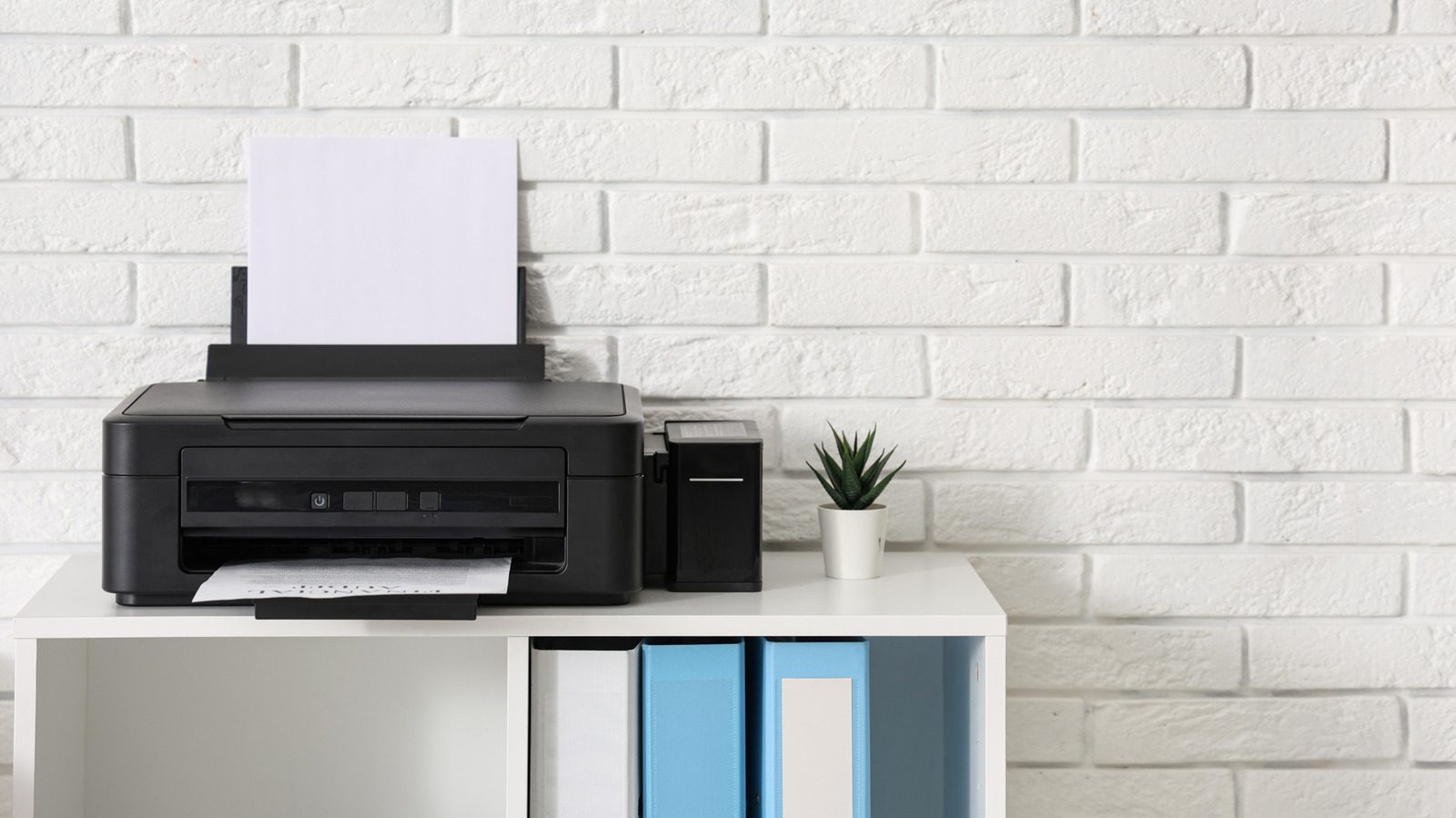
iPhones have supported AirPrint since 2010, but Apple's mobile software has never included printer drivers. That is why plugging an iPhone into an older printer, even with a USB adapter, does nothing.
Printers remain one of the most frustrating categories of consumer tech, and they still throw errors even when you are sure everything is set up correctly. If you own an older printer without modern wireless support, you may have tried to print directly from your iPhone over a cable. It will not work, and the reason is simple: the iPhone was never designed for it.
No drivers, no dialogue
Every printer model needs its own set of drivers. On desktop operating systems you can download them easily from the manufacturer's website, but iOS and iPadOS have no native driver support at all. Apple made that decision deliberately: supporting the countless variations of printer drivers would be a massive hassle.
That means plugging an iPhone into a printer, which is possible with special adapters that enable USB On-The-Go (OTG), gets you nowhere: the phone simply does not know how to talk to the device. Apps do not fix this either. Some Android apps support direct USB printing, but no equivalent exists on iPhone. PrintCentral Pro, PrintDirect and PrintCast can help in some cases, yet they still rely on a computer as a middleman.
AirPrint and wireless options
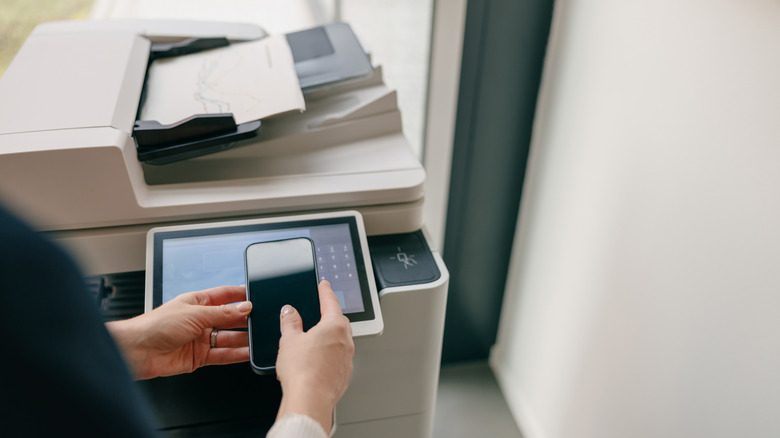
Since late 2010, the iPhone and iPad have supported AirPrint, Apple's wireless printing standard. Standalone apps from brands such as HP and Canon add wireless printing for some non-AirPrint printers, but the catalog of supported models only goes back so far. As wireless technology took over, owners of older printers were largely left out, especially when it comes to printing from an iPhone.
What to do about an old printer
Workarounds exist. Software such as Printopia can force a USB printer to show up as a wireless printing option by creating an AirPrint bridge, but it still requires a computer. In that case you are better off emailing the document or photo to yourself and printing from the computer. A Raspberry Pi print server is a more advanced option, yet if you need to print from your phone often, the most sensible move is to upgrade to a modern AirPrint-equipped model.
SiTech — AI-powered web development
We build fast, modern websites and bring AI into real business workflows. Have a project or a question? We'd love to help.