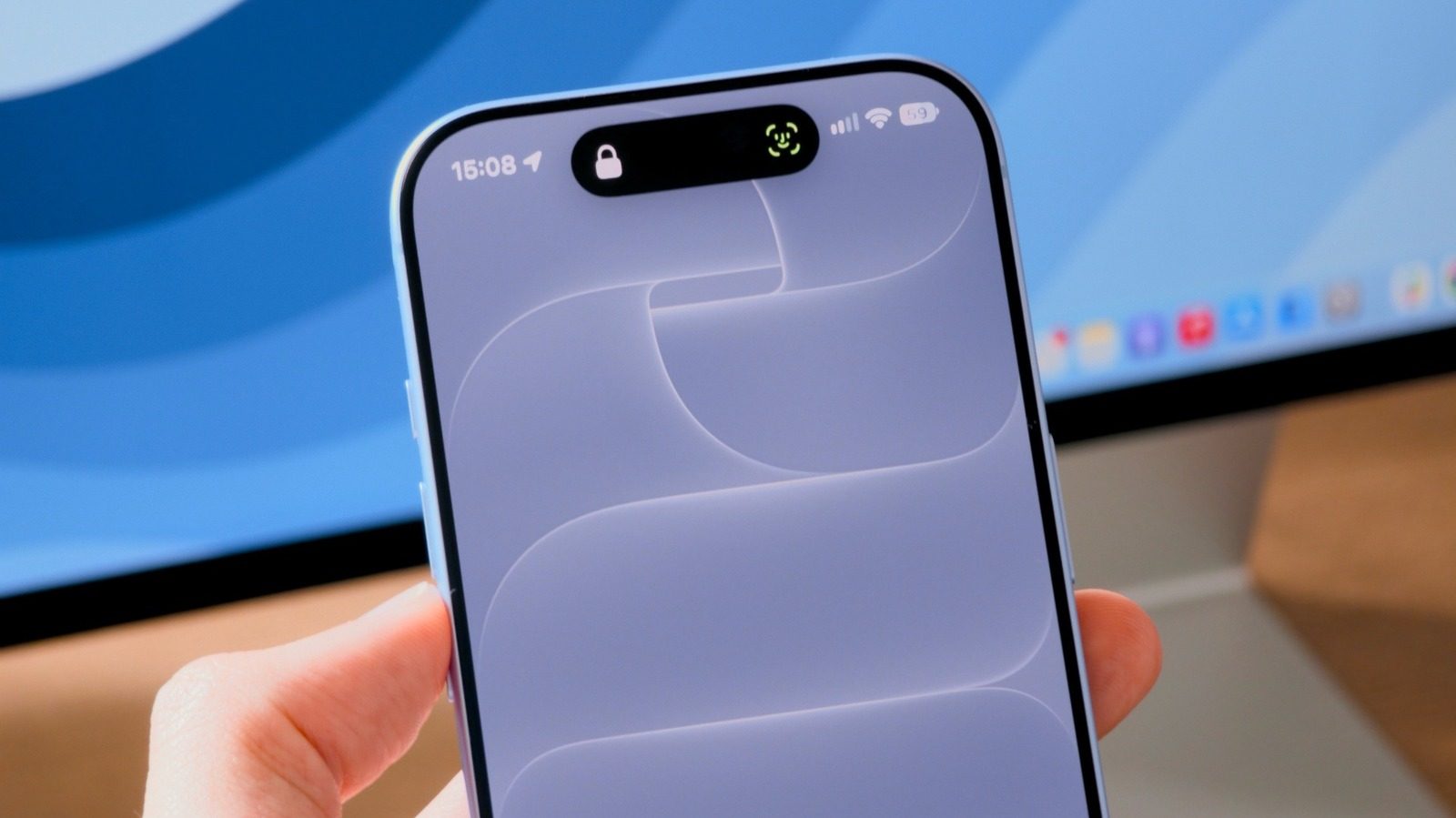
Apple's iOS 27.0.1 update fixes Face ID and touchscreen issues on iPhone 18 Pro
Apple has started rolling out iOS 27.0.1, an update focused on bugs in the iPhone 18 Pro line: unexpected restarts after a failed Face ID authentication, a color artifact in 2x zoom photos, and a frozen screen when Control Center opened.
Apple has released iOS 27.0.1, an update that focuses on fixing bugs affecting the iPhone 18 Pro models. The software began rolling out to users on Monday and is available now.
What iOS 27.0.1 fixes
The headline problem concerns Face ID. Apple confirmed to 9to5Mac in September that the new iPhones may "restart unexpectedly" when Face ID fails to authenticate. Complaints from iPhone 18 Pro and 18 Pro Max owners spread on Reddit, with users reporting that the device would reboot out of the blue after a failed authentication attempt. In some cases Apple replaced the hardware, but the problem persisted.
The update also addresses two other glitches. One produced a color artifact in photos taken on the iPhone 18 Pro at the 2x zoom level. The other left the device unresponsive when the Notification Center and the Control Center were opened at the same time; a forced reboot brought the phone back, but the bug was still disruptive.
Which iPhones get the update
iOS 27.0.1 mainly targets the iPhone 18 Pro and 18 Pro Max. Owners of the iPhone 17 and earlier models may instead see iOS 26.7 in Software Update. That release only carries security patches and is meant for users who do not want to move to iOS 27 yet.
Skipping iOS 27 means missing new features such as Siri AI and the ability to adjust the Liquid Glass effect. To move from iOS 26 to iOS 27, tap the iOS 27.0.1 banner on the Software Update screen, which skips the iOS 26.7 release.
How to update your iPhone
Installing the update manually is straightforward. Open the Settings app, select General and look for Software Update. Once iOS 27.0.1 appears, tap Download and Install. Depending on your internet connection the process may take a while, and the iPhone will reboot during it.
SiTech — AI-powered web development
We build fast, modern websites and bring AI into real business workflows. Have a project or a question? We'd love to help.