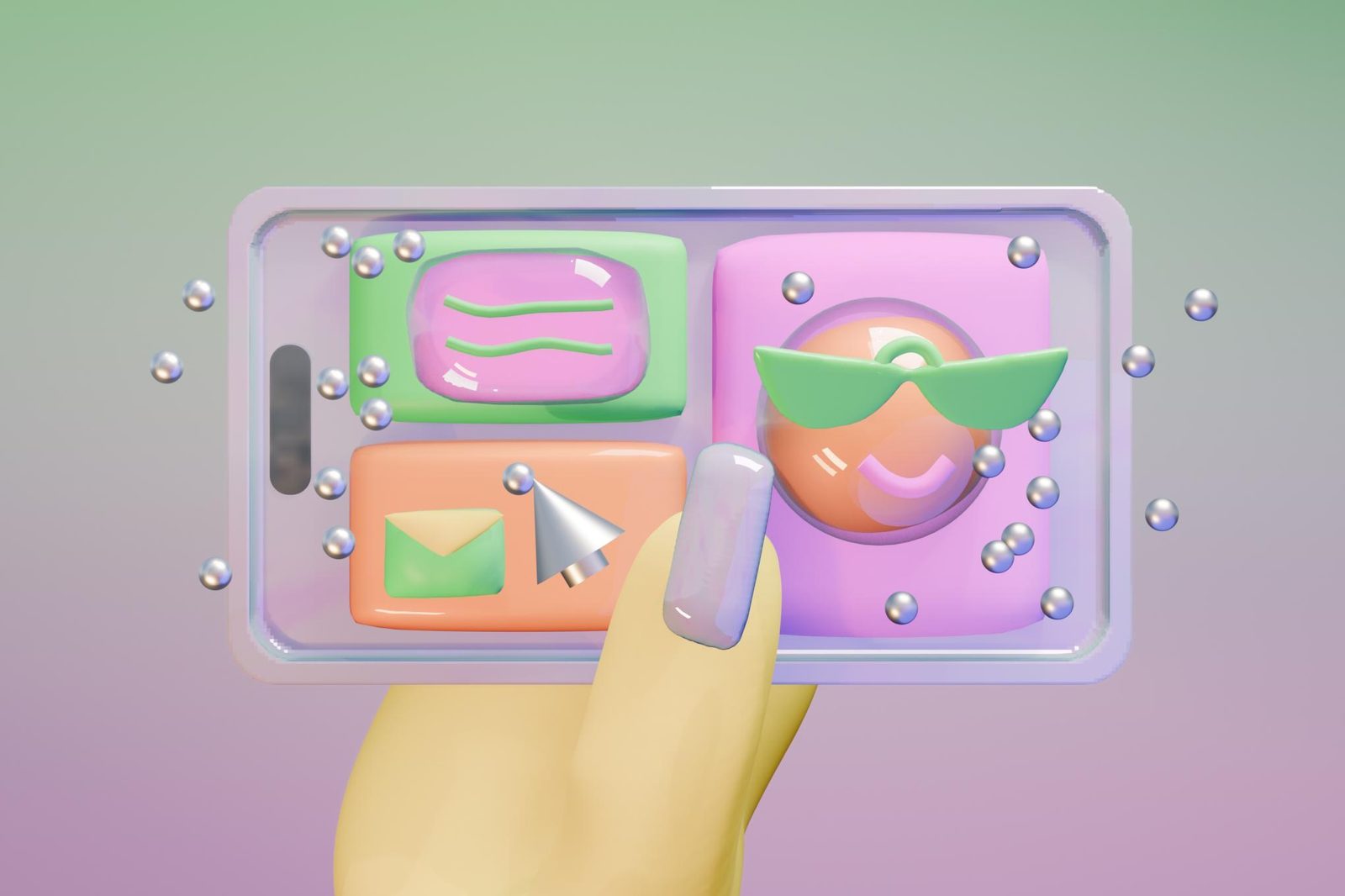
Apple's Vehicle Motion Cues: the anti-nausea dots, tested on a two-month road trip
The Verge's Thomas Ricker used Apple's Vehicle Motion Cues during a two-month camper van trip around Europe and reports that the accessibility feature, introduced in 2024, removed his car sickness entirely.
Apple introduced Vehicle Motion Cues in 2024 as an accessibility feature for iPhone, iPad and MacBook, aimed at passengers who feel sick when they try to read or work inside a moving vehicle. The Verge co-founder and deputy editor Thomas Ricker tested the feature over a two-month camper van trip around Europe and wrote in a review this week that it did not merely reduce his car sickness — it eliminated it.
Why screens make passengers queasy
This kind of motion sickness appears when the eyes are locked on a static display while the inner ear registers the car turning, braking and accelerating. The mismatch between the two signals is what produces nausea. Vehicle Motion Cues counters it with a visual trick: small dots appear around the periphery of the screen and move in harmony with the vehicle. When the car turns right, the dots sweep across the display to the left; when the car brakes, they slide forward. The system relies on the device's accelerometer and gyroscope to sense what the vehicle is doing.
What it feels like in practice
Once the feature was switched on, Ricker writes, he could read books in the Kindle app for hours at a stretch and even write 1,000-word reviews while his wife drove the van to the next destination. She now uses Vehicle Motion Cues as well. The settings sit under the accessibility options in iOS, iPadOS and macOS and can be turned on, turned off, or set to appear automatically when vehicle motion is detected. Dot size, colour and density can be adjusted too, though Ricker found the default values good enough.
Limits, and how to turn it on
The dots are not flawless. On long, straight stretches of road they sit motionless and can interfere with maps, text and images, and Ricker argues Apple should dim them in such situations. He also prefers toggling the feature manually so that it never appears while he is the one driving. To make that quick, he mapped it to the iPhone's Back Tap gesture — Accessibility, Touch, Back Tap, Double Tap — which works on devices running iOS 18 or later.
SiTech — AI-powered web development
We build fast, modern websites and bring AI into real business workflows. Have a project or a question? We'd love to help.