OpenAI Upgrades ChatGPT Chrome Extension to Read and Control Your Open Tabs
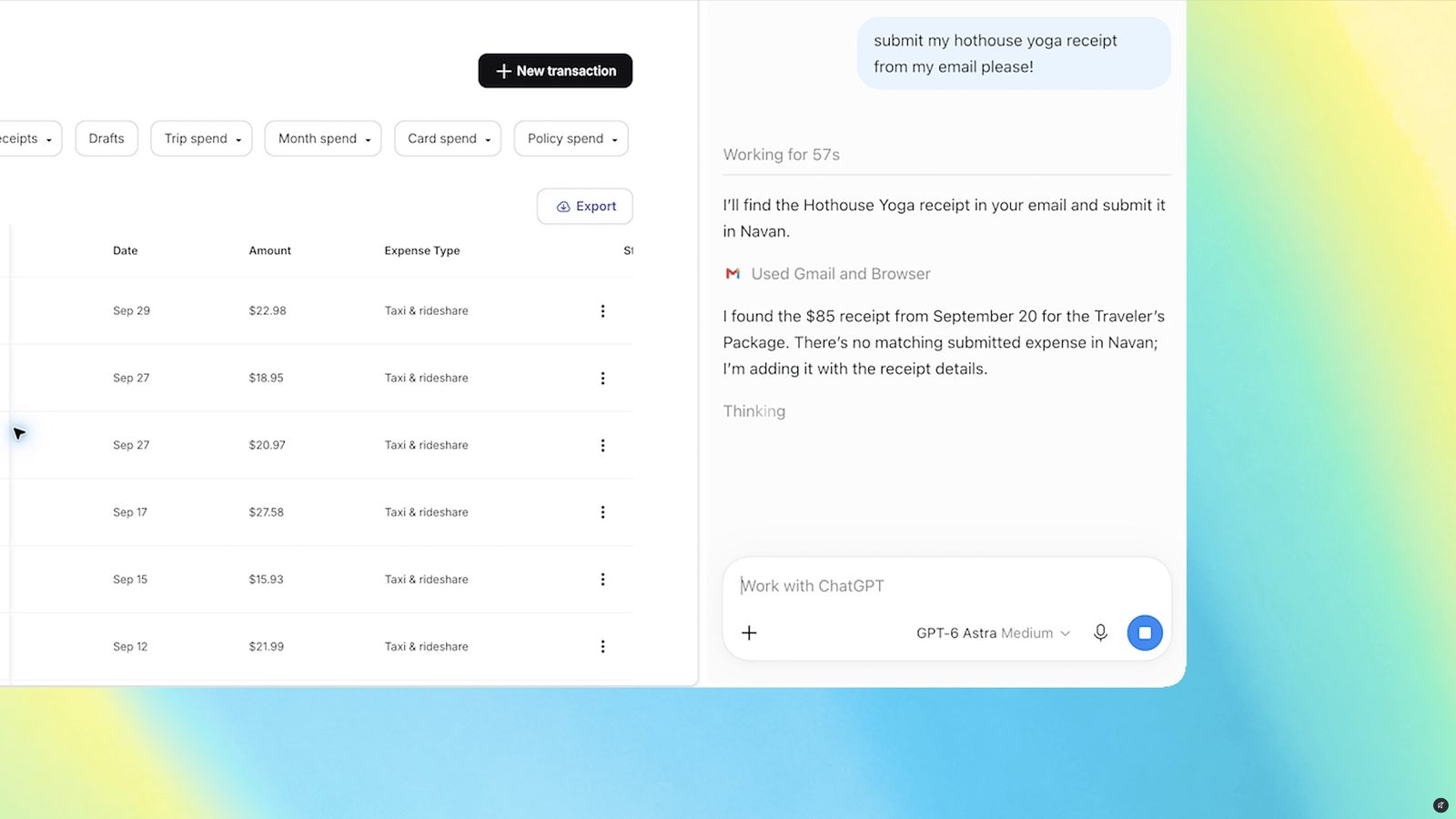
With OpenAI's ChatGPT extension installed, the assistant can now view your open Chrome tabs when you tag @chrome, and ChatGPT Work can send messages, fill out forms, and download files directly from the sidebar.
Reading your open tabs
With the extension installed, ChatGPT can now view your browser tabs whenever you tag @chrome in ChatGPT's web or desktop app. OpenAI posted a demo video showing a user asking ChatGPT to compare the three sofa tabs they have open while shopping.
OpenAI listed several sample queries for the upgraded add-on, including filling out a registration form from an event brief without submitting it, moving vendor details from open tabs into a comparison sheet with pricing and source links, comparing contractor services across tabs and drafting an email to the chosen one, and completing a form ahead of a dentist appointment before adding the visit to work and personal calendars.
A more powerful sidebar
The update also refreshes ChatGPT in the sidebar, giving it what OpenAI calls "the full power of ChatGPT" along with your entire conversation history from Chat and Work, usable without leaving the page you are viewing. The sidebar now lets ChatGPT Work control your Chrome tabs for tasks such as sending messages, filling out forms, or downloading files, a capability similar to Google's Gemini powered "auto browse" feature. The assistant can also organize or group your open tabs.
Sources: The Verge
SiTech — AI-powered web development
We build fast, modern websites and bring AI into real business workflows. Have a project or a question? We'd love to help.