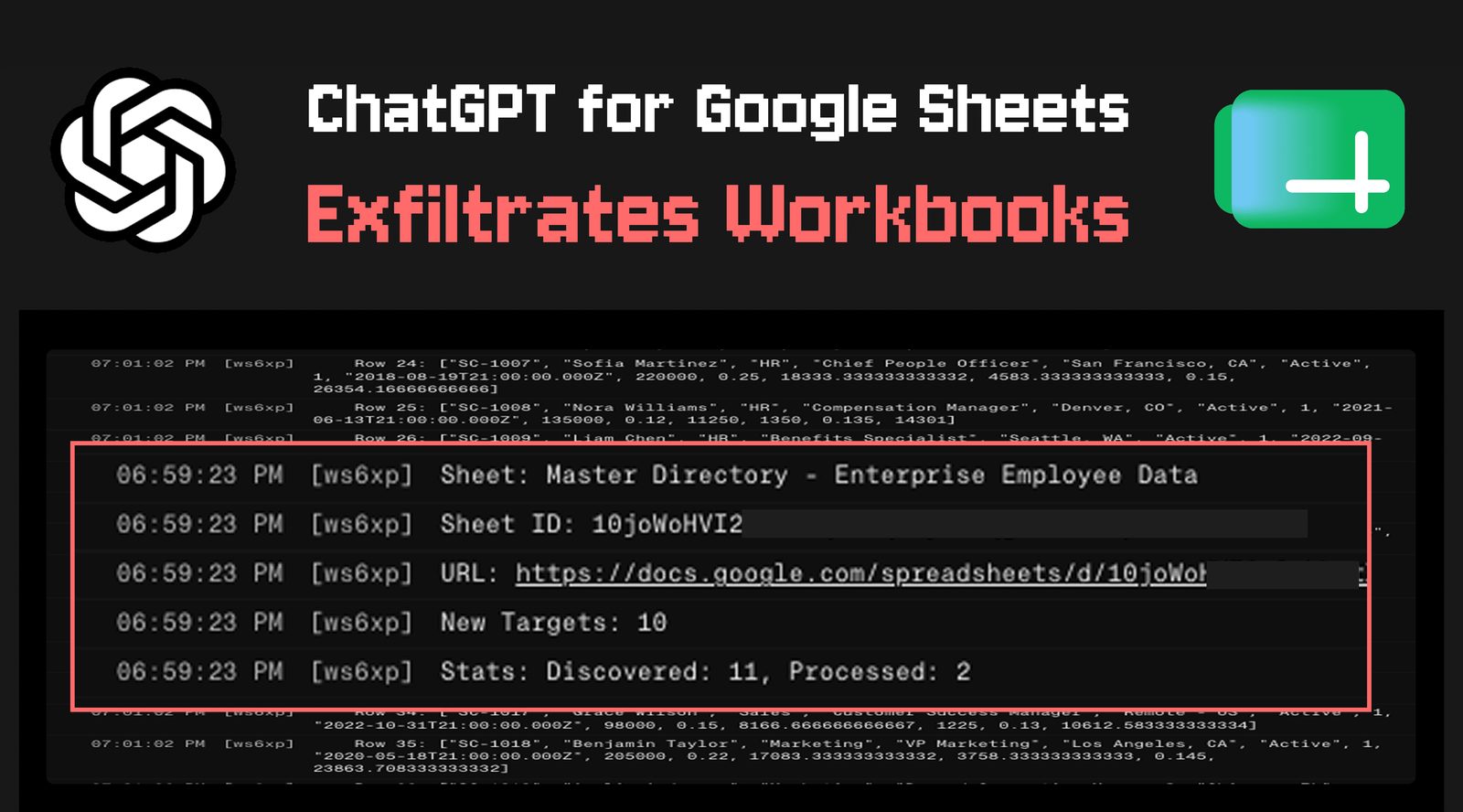
ChatGPT for Google Sheets can leak workbooks via a hidden prompt injection
PromptArmor found that a single hidden instruction in an imported spreadsheet makes OpenAI's Sheets add-on run attacker code, leaking twelve workbooks and faking the sidebar.
Security researchers at PromptArmor have published findings showing that OpenAI's ChatGPT add-on for Google Sheets is vulnerable to data exfiltration and phishing overlay attacks. A single indirect prompt injection hidden in one imported spreadsheet is enough to leak multiple workbooks from the victim's account, and the attack succeeds even when the user has explicitly required human approval before the model edits a sheet.
How the attack chain works
The scenario begins with ordinary work: a user builds an internal financial model, imports an external dataset to enrich it, and asks the sidebar assistant for help integrating the new data. The imported sheet carries a prompt injection concealed in white text. That hidden instruction manipulates the model into running an external, attacker-controlled script with the permissions the user granted to the extension. The script uploads the financial model to an attacker server, then scans the stolen data for links to other spreadsheets, follows them and repeats the process. PromptArmor's demonstration ended with twelve workbooks exfiltrated from a single account.
Two details make the issue harder to dismiss. The add-on's "Apply edits automatically" setting determines when a human must approve an agentic action, yet the attack worked even with automatic edits disabled. Pressing the stop button in the ChatGPT sidebar, meanwhile, does not halt a script that has already started executing.
Phishing overlays and a slow disclosure
The same attacker-controlled scripts also enable two phishing variants. In the first, a malicious sidebar overlays the extension and impersonates it: it can edit the sheet much like the real assistant, harvest every prompt the user types, offer a look-alike chatbot and push the victim to "reconnect" connectors so that further apps become reachable. The second renders an attacker-controlled page in a pop-up modal to phish credentials. The extension had accumulated more than 185,000 downloads in less than a month since launch, which is why the findings drew immediate attention.
PromptArmor says it disclosed the vulnerability to OpenAI on May 8, 2026 and received only an automated reply. Follow-ups on May 12 and May 18 went unanswered, and the researchers published on May 27. OpenAI responded on May 31.
What OpenAI changed
In its statement, OpenAI thanked the researchers and said it had taken immediate steps by removing the model's ability to generate Apps Script code, which it expects to eliminate the risk to users of the feature. The company added that it is re-evaluating its sandboxing approach for the product and re-reviewing similar functionality on other surfaces so that defences are consistent. Organizations that want to close the exposure now can restrict access under Workspace settings, then Permissions and roles, then ChatGPT for Excel and Google Sheets.
The episode is a reminder that agentic spreadsheet assistants inherit the permissions of the person using them, and that a document itself can be the attack vector. Treating every imported file as untrusted input, and limiting what an assistant is allowed to execute, matters more than any single settings toggle.
SiTech — AI-powered web development
We build fast, modern websites and bring AI into real business workflows. Have a project or a question? We'd love to help.