DeepSeek Harness enters public preview worldwide with desktop apps for macOS and Windows
DeepSeek has moved Harness into a worldwide public preview: after August's developer preview it now ships as desktop apps for macOS and Windows, with a plugin manager and built-in tools for work and coding.
DeepSeek has opened Harness, its agent environment, to a worldwide public preview. The launch page presents it as "Ready to use. Right now." and describes an open-source harness that runs as a desktop app or as a web UI launched from code. After August's developer preview, the new parts are the desktop builds, a plugin management page and built-in tools for everyday work and development.
Desktop apps for macOS and Windows
The download page says the desktop app lets you work in the background, edit local files and handle long, complex tasks, with new features and improvements shipped regularly. The macOS build runs on Apple silicon and needs macOS 13 or later; the Windows installer is a 64-bit build for Windows 10 or later. Both are preview builds from the v0.2 line.
A plugin manager, and plugins built in chat
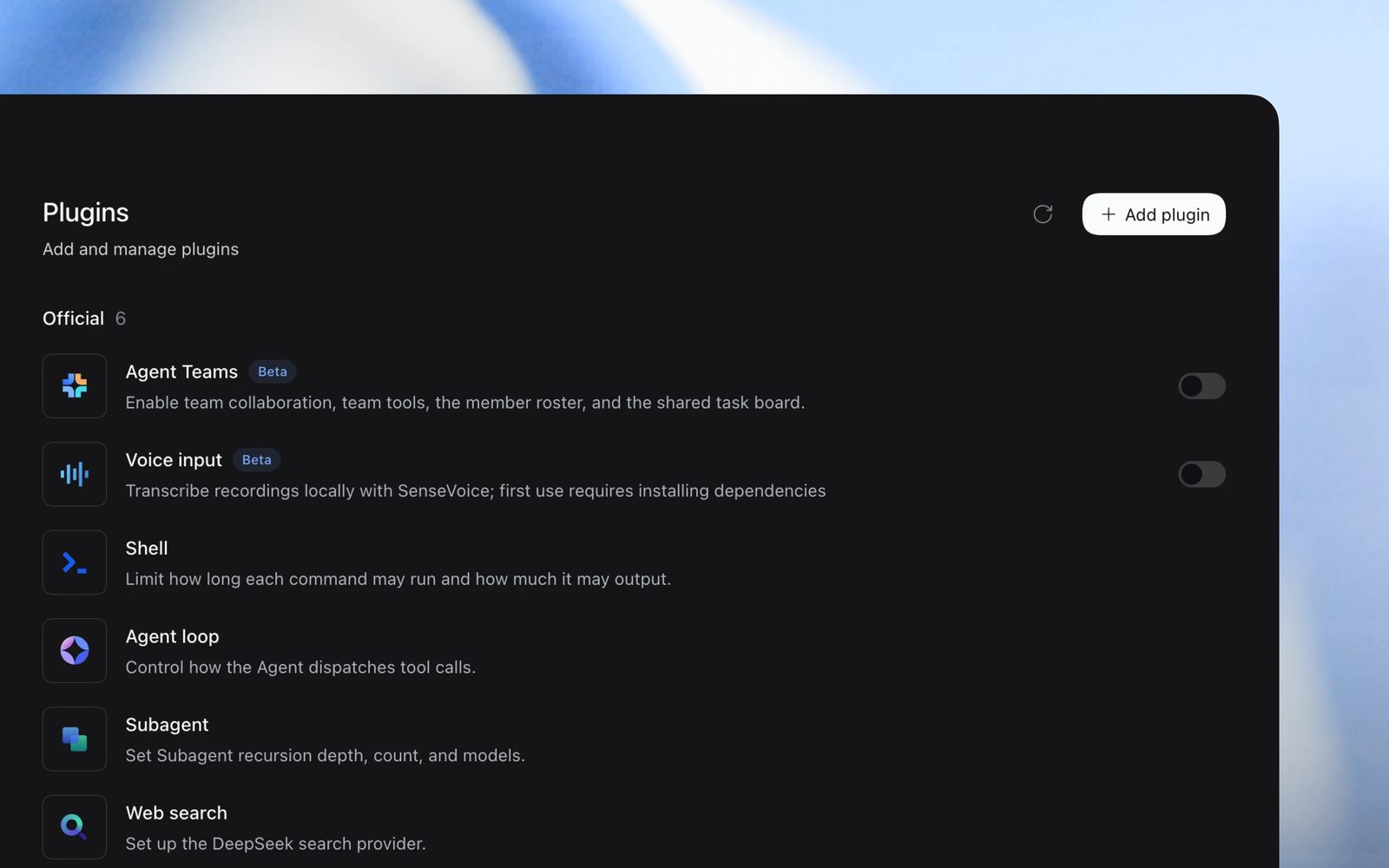
The public preview adds a plugin management page for installing official plugins and managing your own; new plugins can also be created through chat in "Creator mode". The official set includes Terminal, Agent loop and Subagents, plus experimental Agent teams, Auto approval review, Scheduled tasks and Voice input. Harness stays built on Cordis and its "everything is a plugin" approach.
Built-in tools for work and coding
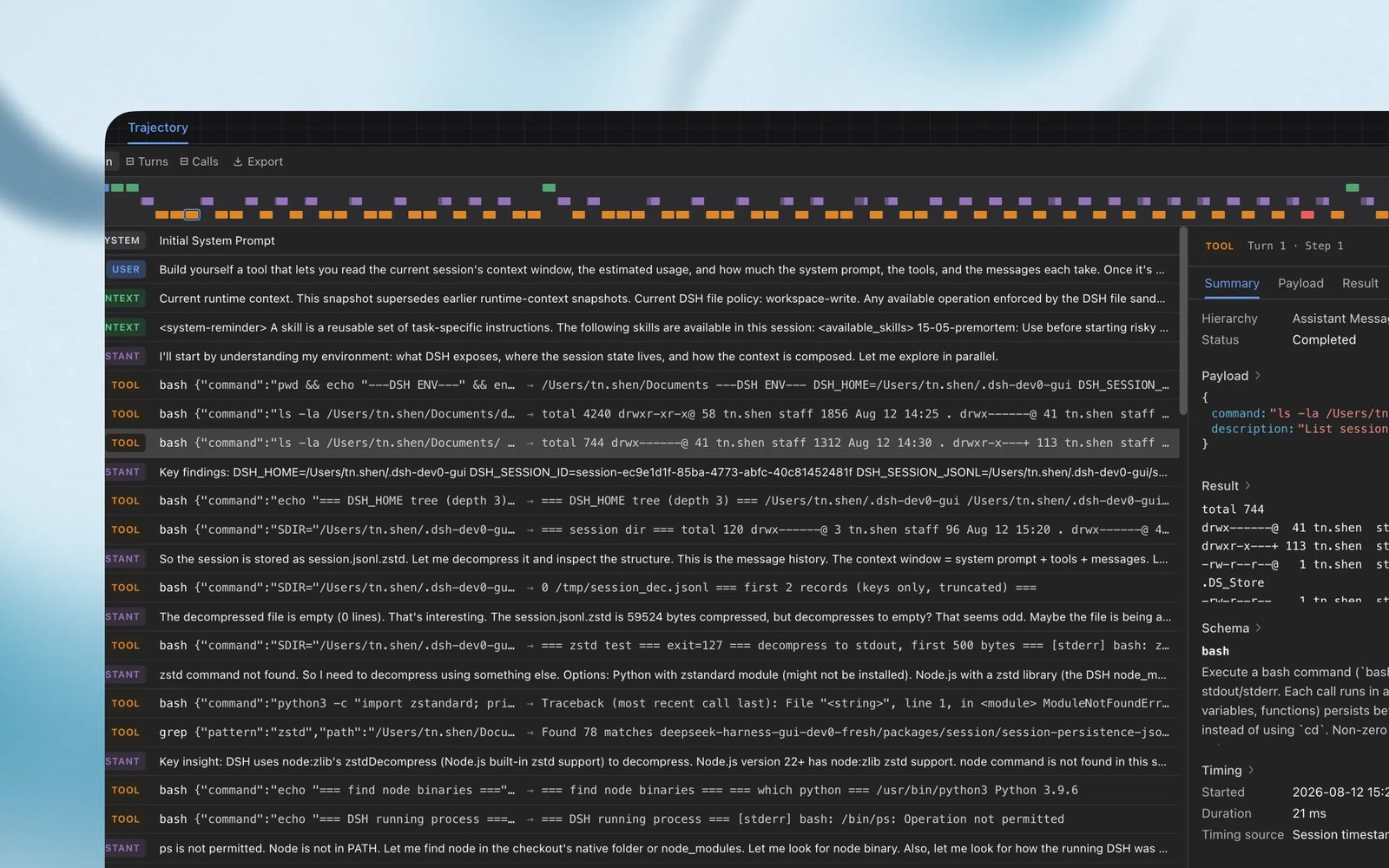
According to the launch page, Harness helps with everyday work (organizing files, analyzing data, drafting documents and slides), coding (exploring repositories, fixing bugs, running tests), research (finding facts and citing sources) and background tasks. Results can be previewed directly and refined through conversation. A developer tools view inspects execution traces and runtime details when tool calls need troubleshooting, and the Scheduled tasks plugin runs recurring work on a schedule.
Ways to run it
Beyond the desktop apps, Harness runs as a web UI: after installing Node.js, the command npx @deepseek-ai/dsh web starts it, and the full source can be cloned from GitHub. DeepSeek says the project stays in preview with evolving core plugins and APIs, and invites users and developers to join the DSH plugin ecosystem. The launch drew close to 200 points on Hacker News.
SiTech — AI-powered web development
We build fast, modern websites and bring AI into real business workflows. Have a project or a question? We'd love to help.