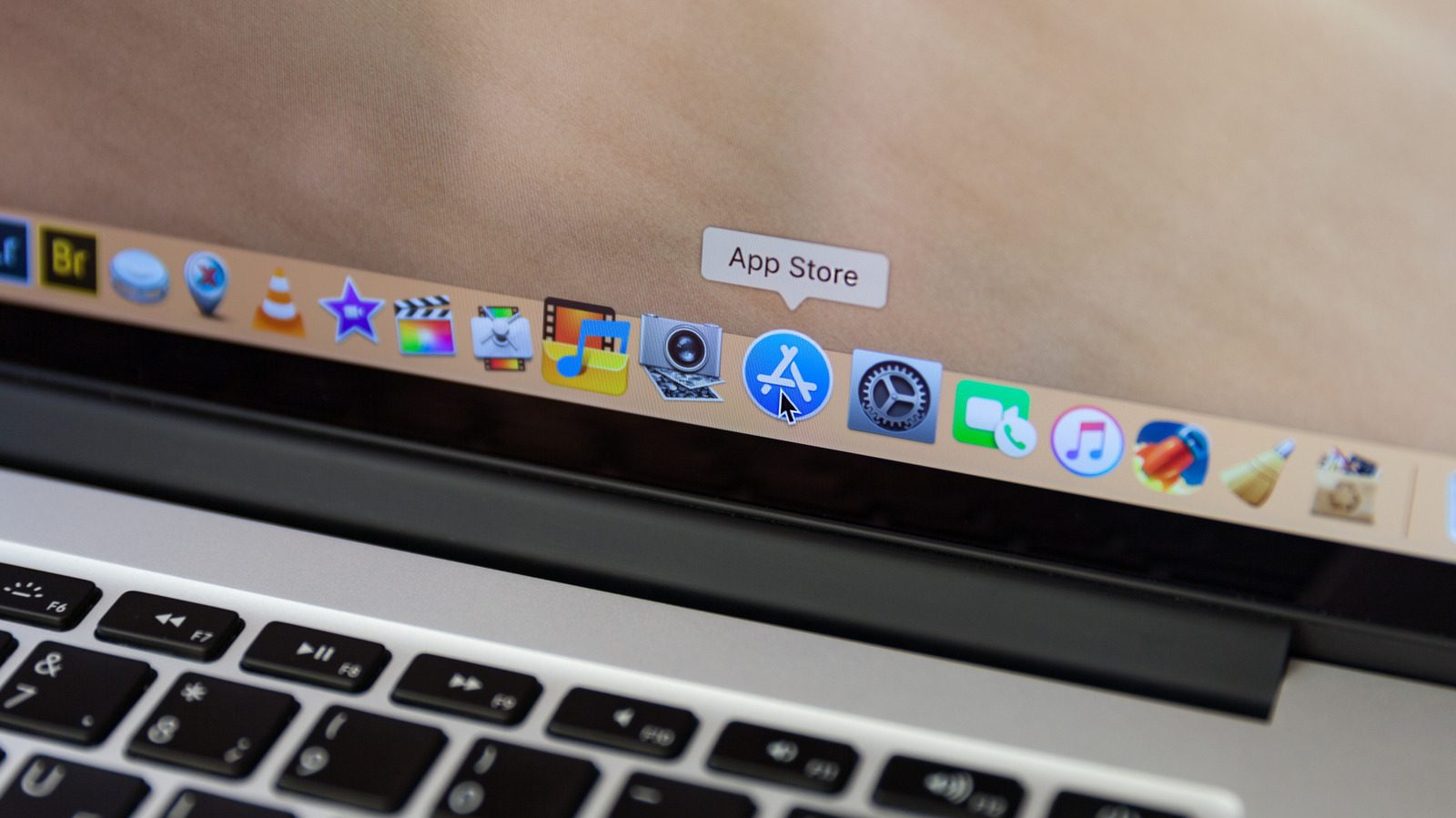
How to turn your old MacBook into a home NAS server
An old MacBook can still serve as a home NAS server. Engadget's guide walks through built-in macOS file sharing, media server apps such as Plex, and Linux-based setups.
An old MacBook that can no longer keep up with daily work can still earn its place as a home NAS server. Engadget has published a step-by-step guide covering the options, from the built-in macOS sharing tools to more advanced Linux-based setups.
What a NAS is for
A NAS, or Network Attached Storage server, usually covers one of three needs: a home media library, collaboration and file sharing, or storage and backup. Because older Macs risk disk failure and offer limited storage, the guide recommends adding external drives. The machine should first be erased, reset to factory settings and updated to the most stable version of macOS it can run.
A few details make the setup more reliable. A wired Ethernet connection to the router beats Wi-Fi, and Intel Macs with an HDMI output benefit from a headless HDMI plug that makes the system believe a display is attached, which activates the GPU. The free Amphetamine app keeps the Mac from falling asleep.
Built-in sharing on macOS
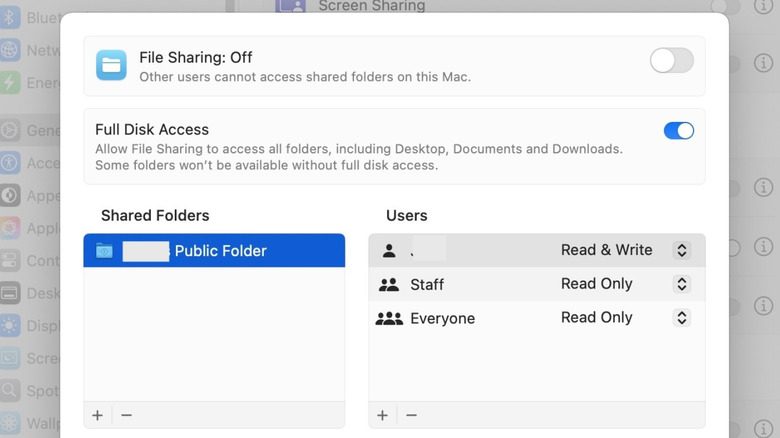
The simplest route needs no extra software. In Apple's Sharing settings you enable File Sharing, pick the folders to share and assign access privileges per user. The same panel makes files available to Windows and Android devices and lets you share an external drive. Other machines on the network then connect with the IP address macOS reports and browse the shared folders in Finder.
Old Mac, new media server
Media server apps such as Plex, Kodi and Infuse run well on older Macs, with Plex the most widely used. Home streaming is free, while remote access is a paid feature. After creating an account and installing Plex Media Server, you point the setup wizard at your media folders and the software downloads artwork and descriptions to fill its browser.
One caveat: Macs with little RAM can stutter when transcoding 4K footage, so the guide suggests streaming in Original quality.
Going further with Linux
Replacing macOS with Linux turns the laptop into a headless NAS managed from a browser, with web dashboards and open-source tools. A relatively approachable path for both Intel and Apple Silicon machines is to install Debian, then add CasaOS or Umbrel on top; M-series Macs can also run Debian as a virtual machine. Running Docker directly on Debian gives even more control over installed apps.
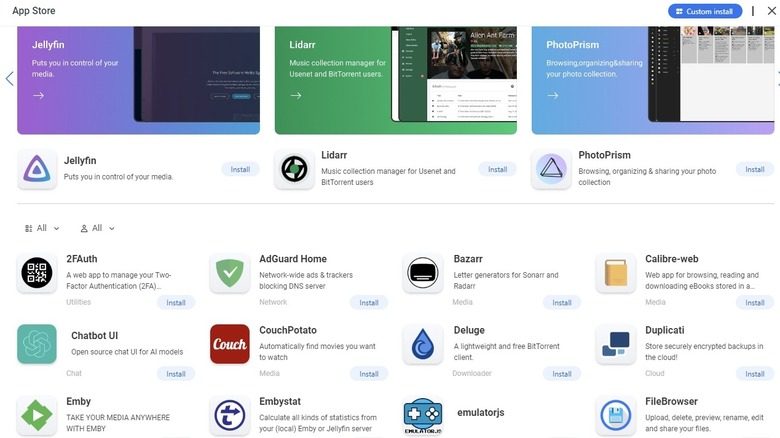
Extra services round out the system: Nextcloud turns the Mac into private online file storage, and Jellyfin is a free, open-source alternative to Plex.
SiTech — AI-powered web development
We build fast, modern websites and bring AI into real business workflows. Have a project or a question? We'd love to help.