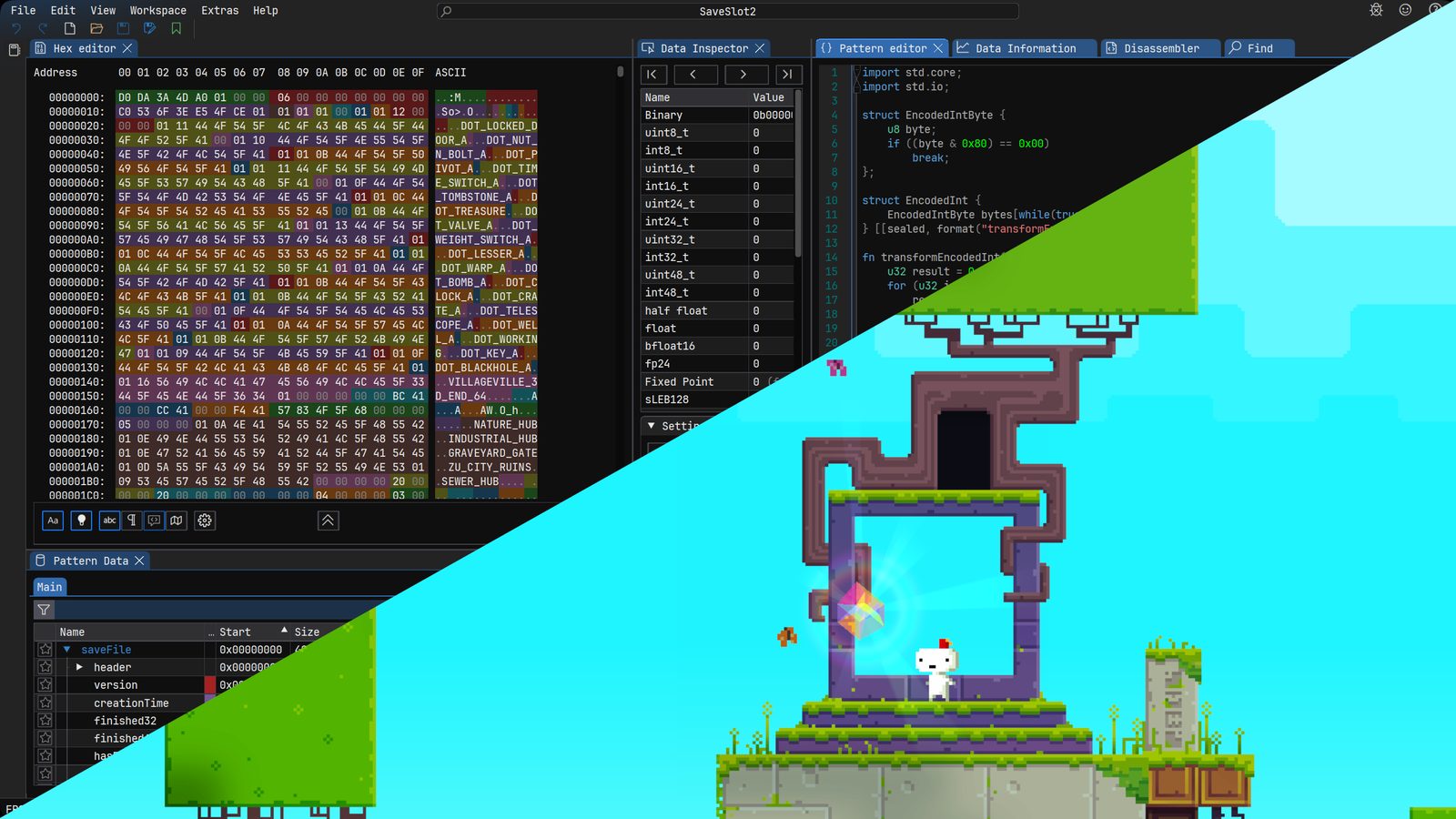
ImHex creator shows how to reverse engineer an unknown file format
The developer of the open-source hex editor ImHex published a walkthrough on reverse engineering unknown binary formats, using FEZ's save file — from raw bytes to a full Pattern definition.
WerWolv, the developer of the open-source hex editor ImHex, has published a step-by-step walkthrough showing how to reverse engineer an unknown binary file format. The example is the save file of the 2012 puzzle-platformer FEZ, taken from raw bytes to a complete definition in ImHex's Pattern Language. ImHex is free and open source.
From decompilation to the right function
FEZ's save data is neither compressed nor encrypted and carries no file magic, so nothing identifies it on sight. Because the game is written in C#, tools such as JetBrains Rider can decompile the binaries back into something close to the original source. The interesting assemblies turned out to be FEZ.exe, FezEngine.dll, Common.dll, ContentSerialization.dll and EasyStorage.dll. The EasyStorage class PCSaveDevice shows the file name being assembled from "SaveSlot" and an index, and its Save() method fills a 40,960-byte (0xA000) buffer: first the current time as a Windows FILETIME value, then the save payload, with shorter files zero-padded and anything larger throwing an exception. Following the call chain into SaveFileOperations.Write exposes every serialised field, starting with a version number that the reader insists must equal 6, followed by creation timestamps and New Game Plus flags.
Building the pattern in ImHex
In the Pattern Language the author places a struct at offset zero, writes type aliases so the code mirrors the real implementation, and imports the standard library's FILETIME type so the timestamp renders as a readable date. Strings turned out to be prefixed by a 7-bit encoded length, implemented as a loop that keeps consuming bytes until the continuation bit is clear, with format and transform attributes so the decoded value appears in the UI. Objects are modelled as nullable wrappers that store a boolean flag before an optional value; lists are count-prefixed arrays; enums copy across from C# almost unchanged. By the end, every byte of the file except the trailing padding is decoded and its values can be inspected or edited directly from the interface.
A general recipe for unknown formats
The closing section generalises the workflow. First check whether the format is already known — ImHex's magic detection and tools like binwalk can help, and a documented format may already have parsers. Next find the code that reads or writes the file: decompile with a tool that fits the language, such as Rider for .NET, Ghidra, IDA or Binary Ninja for native binaries, or Recaf for JVM languages, looking for file I/O calls or strings containing the file name. Then identify the building blocks — integers, booleans, strings and data structures — and write a pattern file that documents and verifies findings along the way.
Not every program will be as easy to analyse as FEZ, the author concedes, but the approach holds. The complete pattern is published with the post, and questions are welcome on the ImHex Discord server.
SiTech — AI-powered web development
We build fast, modern websites and bring AI into real business workflows. Have a project or a question? We'd love to help.