Simon Willison explains ChatGPT Work: one name, two different products
OpenAI's ChatGPT Work hides two separate products and is limited to $20/month and up subscribers. A detailed breakdown shows what it adds beyond regular Chat. The breakdown also covers safety concerns.
OpenAI announced ChatGPT Work on 9 July and has been iterating on it rapidly ever since. According to Simon Willison, who has published a detailed breakdown of the product, it is extraordinarily confusing and very powerful at the same time.
Two products share the name
The more interesting version runs in the cloud and is reached through chatgpt.com or the mobile apps; Willison calls it Work Cloud. Installing the ChatGPT desktop app — the one formerly known as Codex — unlocks a second flavour that can access files and run programs directly on the user's computer. He calls that one Work Local and describes it as regular Codex re-skinned to feel less intimidating to non-developers. Both versions are limited to subscribers paying $20 per month or more; free users and $8/month Go subscribers have no access. OpenAI's official guidance is to use Chat for an answer, explanation or short draft, and Work for a task with a clear outcome such as a brief, deck, analysis or recurring update — advice Willison calls almost useless, since he has used Chat for all of those for years.
What Work adds that Chat lacks
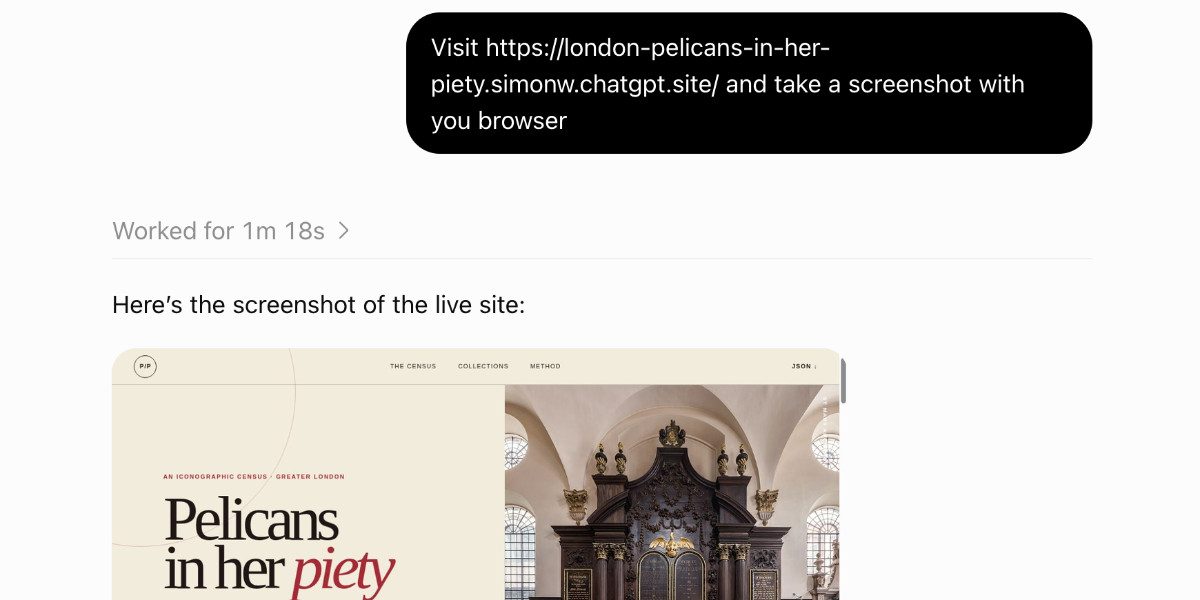
The differences come down to specific features. Work offers a choice of GPT-5.6 Sol, Luna and Terra with reasoning levels up to Ultra, alongside GPT-5.5 at lower tiers; Chat exposes a different, separate model line-up, with 5.6 Pro exclusive to Chat. Work adds a code execution environment with internet access, a headless Chrome browser, a persistent filesystem shared between sessions, the ability to publish "ChatGPT Sites" on Cloudflare Workers, sub-agent sessions and scheduled prompt automations. Unlike the Chat container, which blocks requests to websites and APIs, Work's environment can clone GitHub repositories, install their dependencies and use them against the wider web; the default domain policy appears open rather than allowlisted. The browser can fill out forms and take screenshots, and when a site needs a sign-in the user takes over to enter passwords and 2FA codes so credentials never pass through the model.
Safety questions and documentation gaps
How safe all of this is remains an open question. Willison's "lethal trifecta" model warns about agent systems that combine access to private data, exposure to untrusted content and a way to send stolen information back to an attacker — Work combines all three, and he wants to hear more from OpenAI about prompt injection protections. He also argues OpenAI could make the product far less confusing: it explains Work in terms of what it is for rather than what it does, and still hides its system prompts and tool descriptions.
To document the tooling himself, Willison asked a fresh Work session to build a site listing every one of its tools. The result covered 223 registered tools, six of which come from his own personal MCP servers. Prompting the same session to add full copies of every skill revealed that Work uses 44 skills, including ones for creating .docx files, generating images, reading and rendering PDFs, manipulating spreadsheets and controlling the browser.
SiTech — AI-powered web development
We build fast, modern websites and bring AI into real business workflows. Have a project or a question? We'd love to help.